 Muduck
I vibe-code most days, and every AI tool I work with answers in Markdown: audits, plans, progress logs. A code editor shows those files as source. The readers that render them well are paid, and heavier than the job. So I made the tool I was missing — only what reading a report needs, light and fast — plus a Quick Look preview for Finder.
Free. macOS build for Apple Silicon. The app is not notarized yet, so macOS asks to confirm the first launch (right-click → Open), and Windows SmartScreen may warn about an unknown publisher.
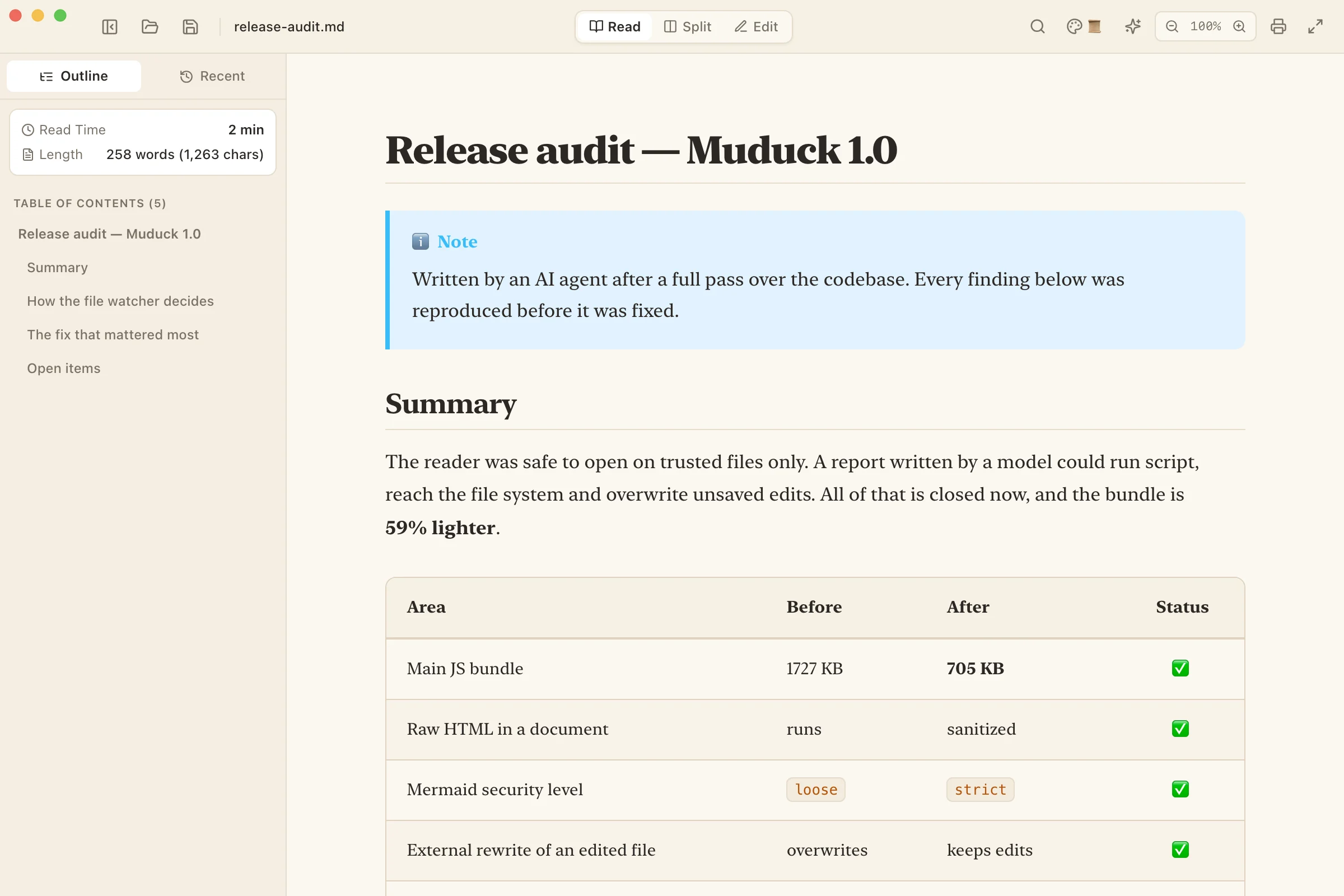
Five themes, three typefaces, adjustable width and zoom. These are the app’s own screens — switch them.
Open it while the agent is still writing
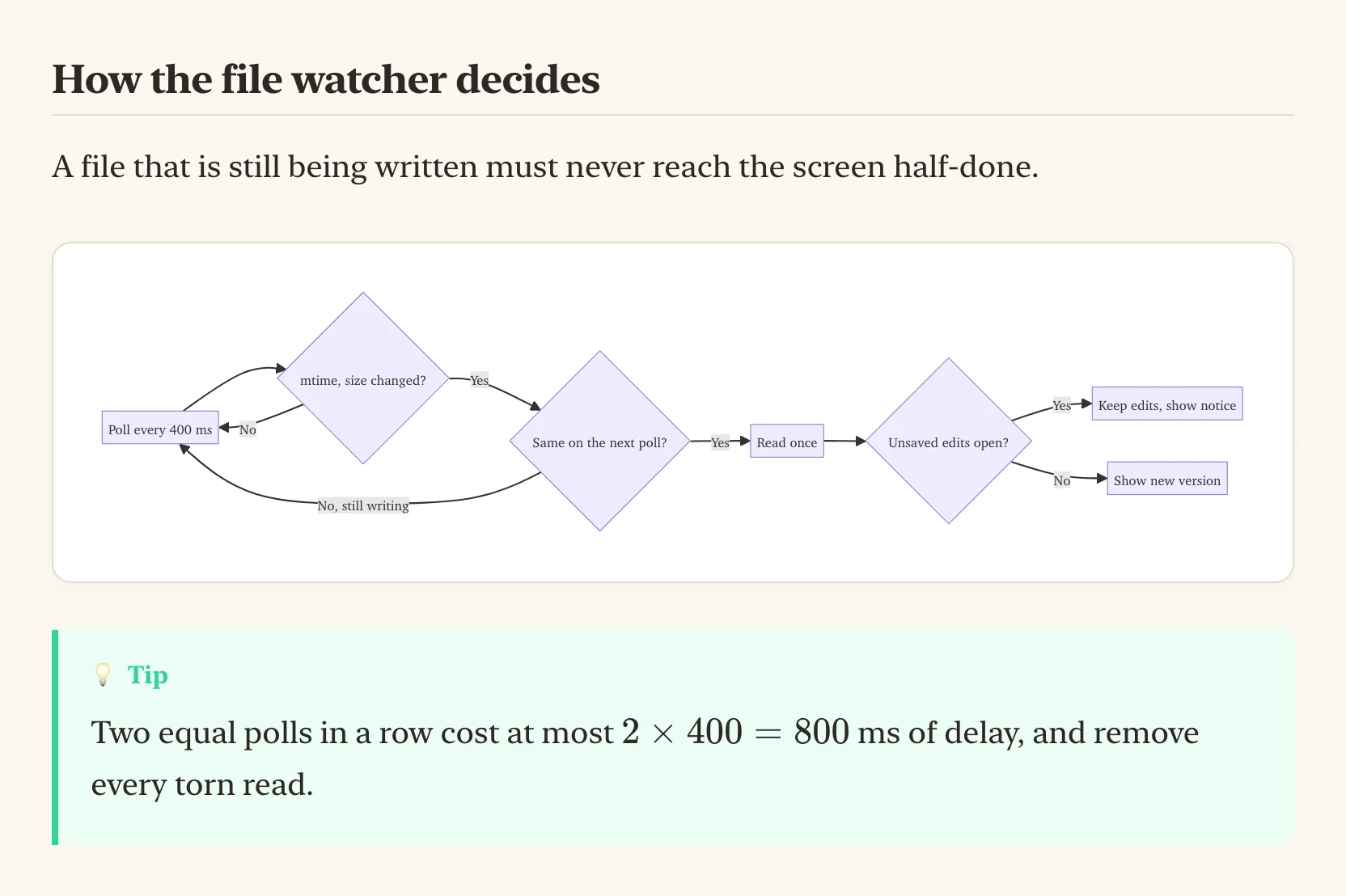
A report changes while you read it. Muduck watches the open file and shows each new version — but only when the writer is done: it waits for two identical checks in a row, 400 ms apart, so a half-written table never reaches the screen. If you were editing the file yourself, your edits stay.
Everything an AI report is made of
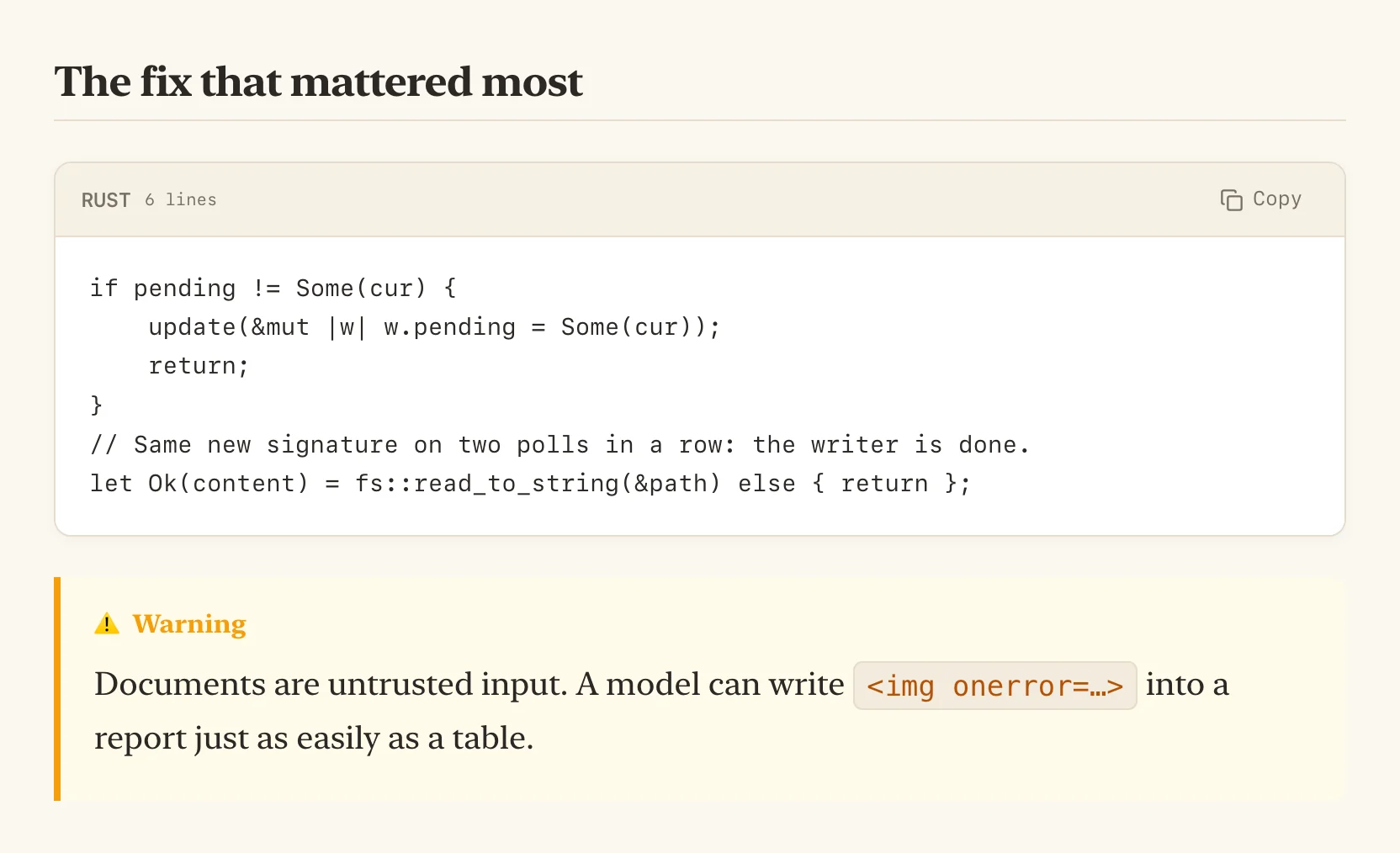
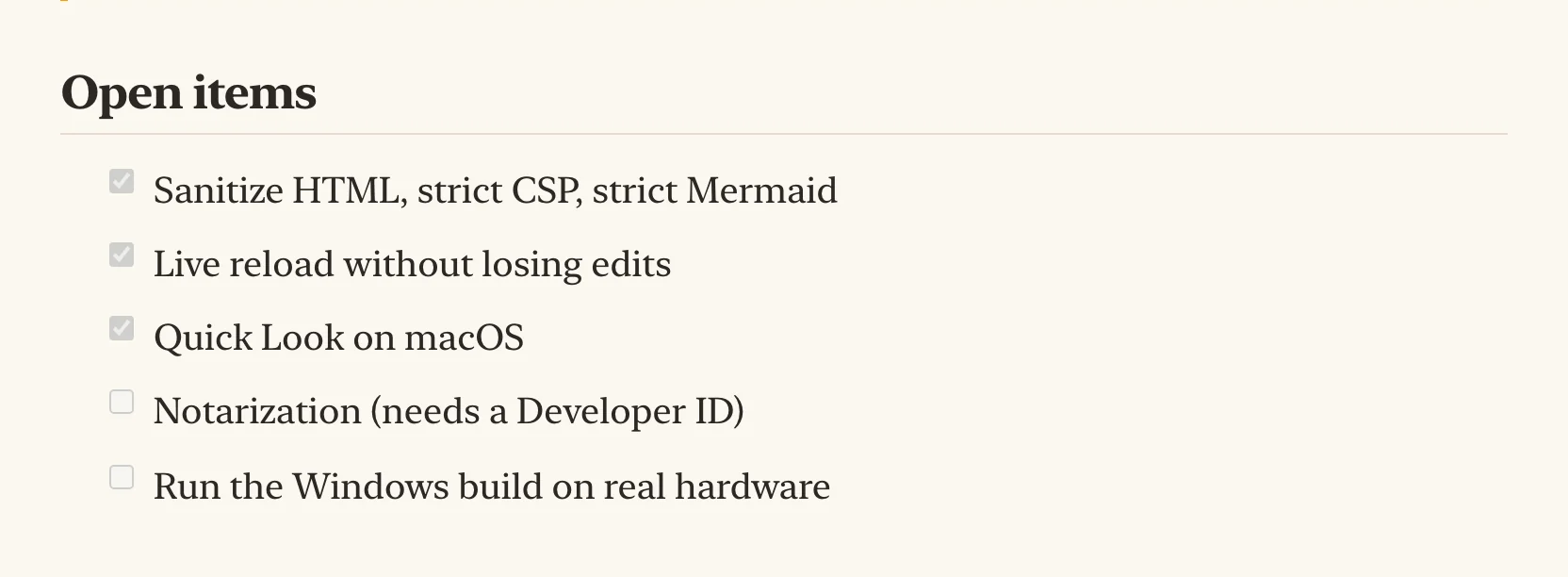
Tables, GitHub callouts, Mermaid diagrams, formulas, highlighted code with copy and collapse, task lists — drawn the way the model meant them. The outline on the left is built in the same pass as the page, so it never points at the wrong heading.
Read, split, edit
Reading is the default. When a report needs a fix, Split puts the source next to the result and keeps the two scrolled together; Edit is the source alone. Find in document, zen mode and export to PDF sit in the same bar.
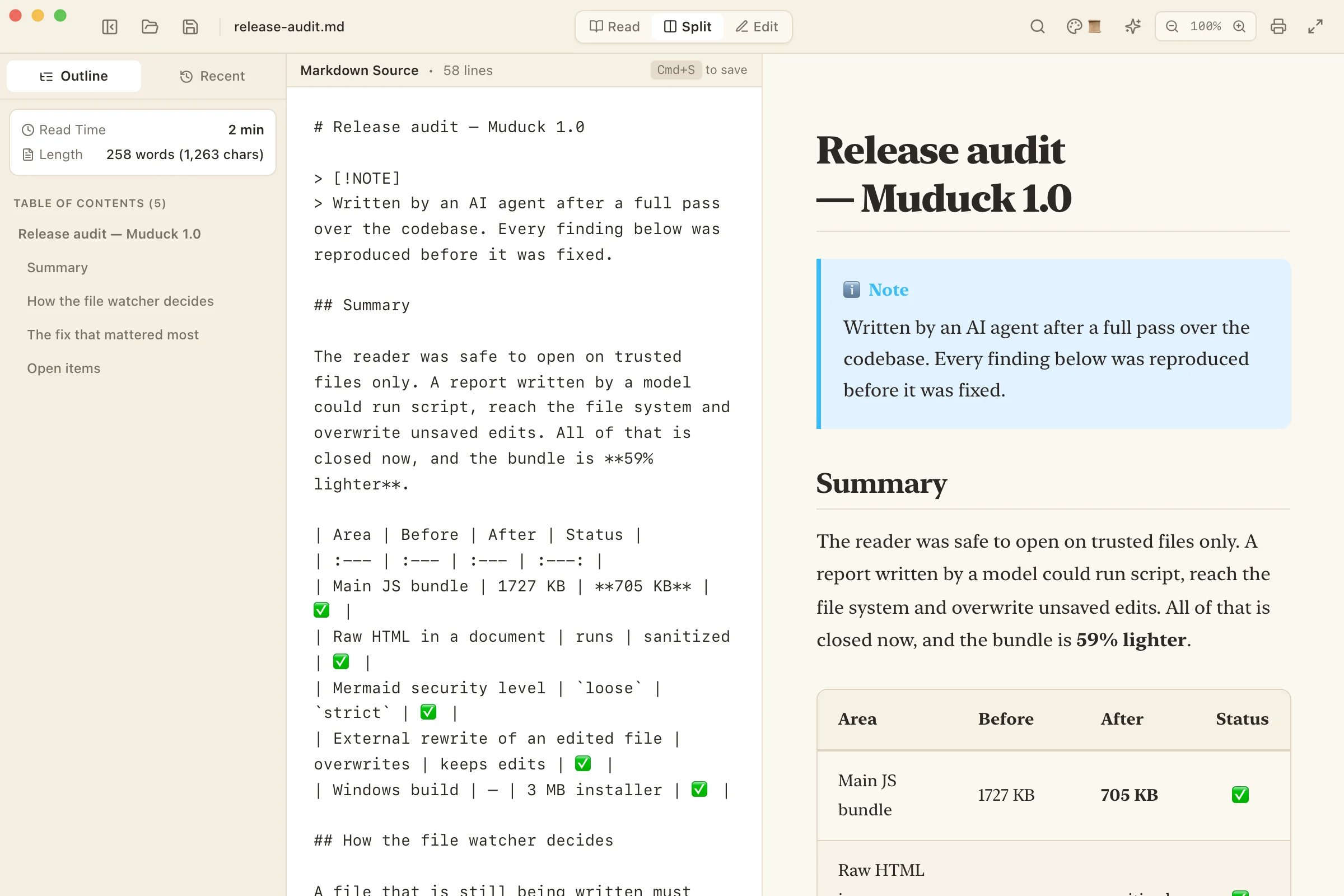
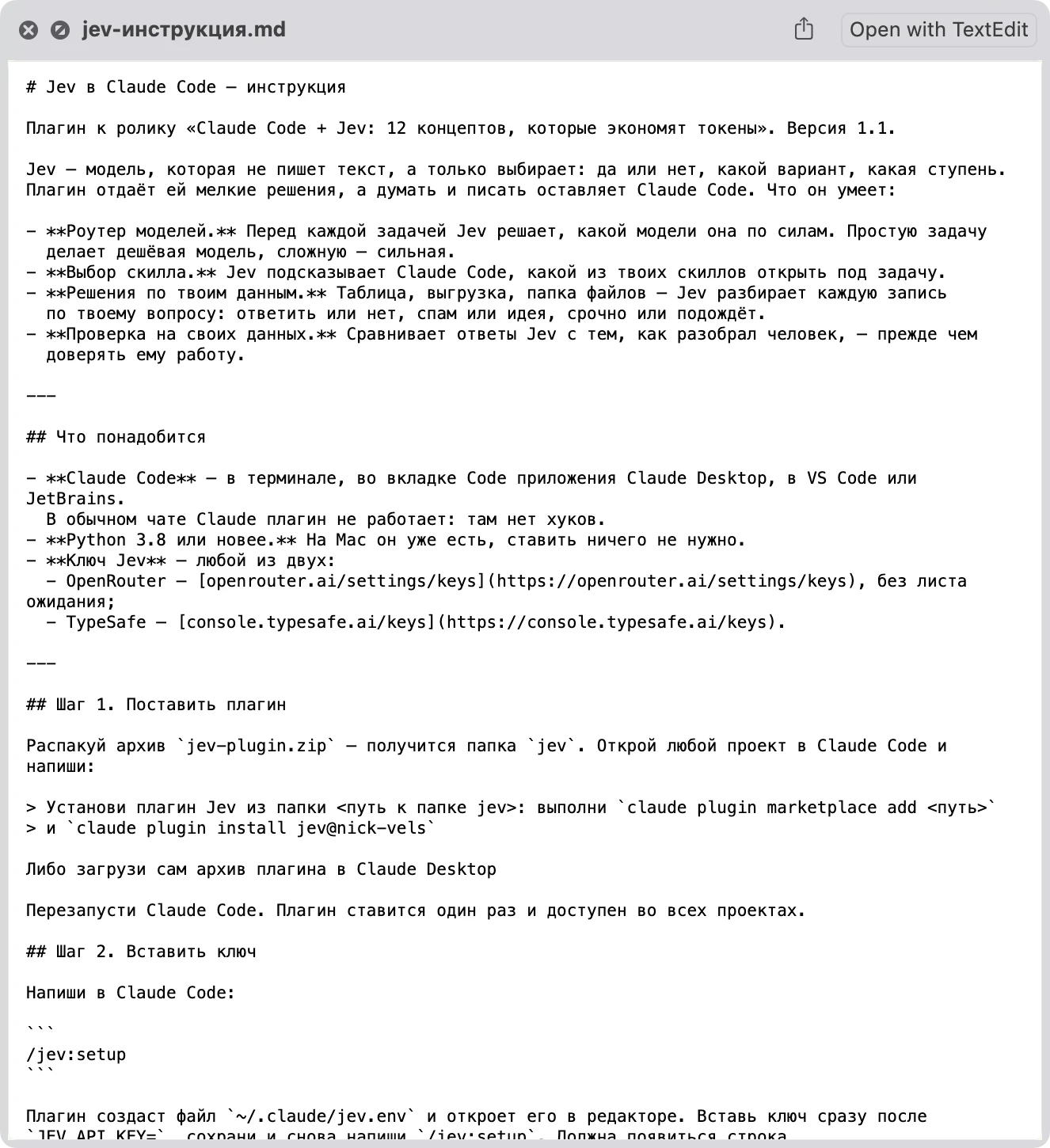
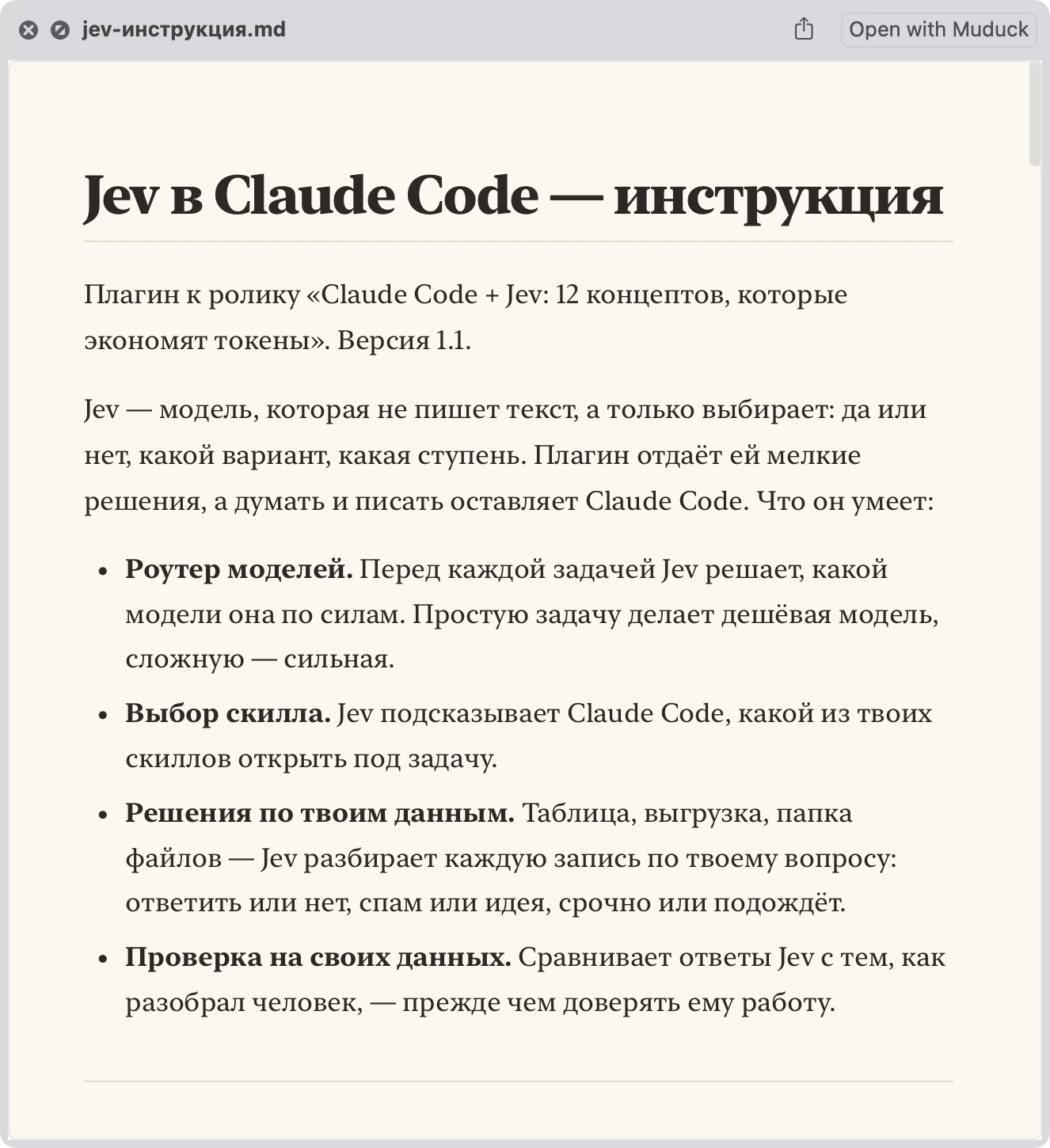
Space bar in Finder
Select a .md file and press Space: the same renderer, inside Quick Look, following the system’s light or dark mode. Most of the time that is all the reading a file needs.
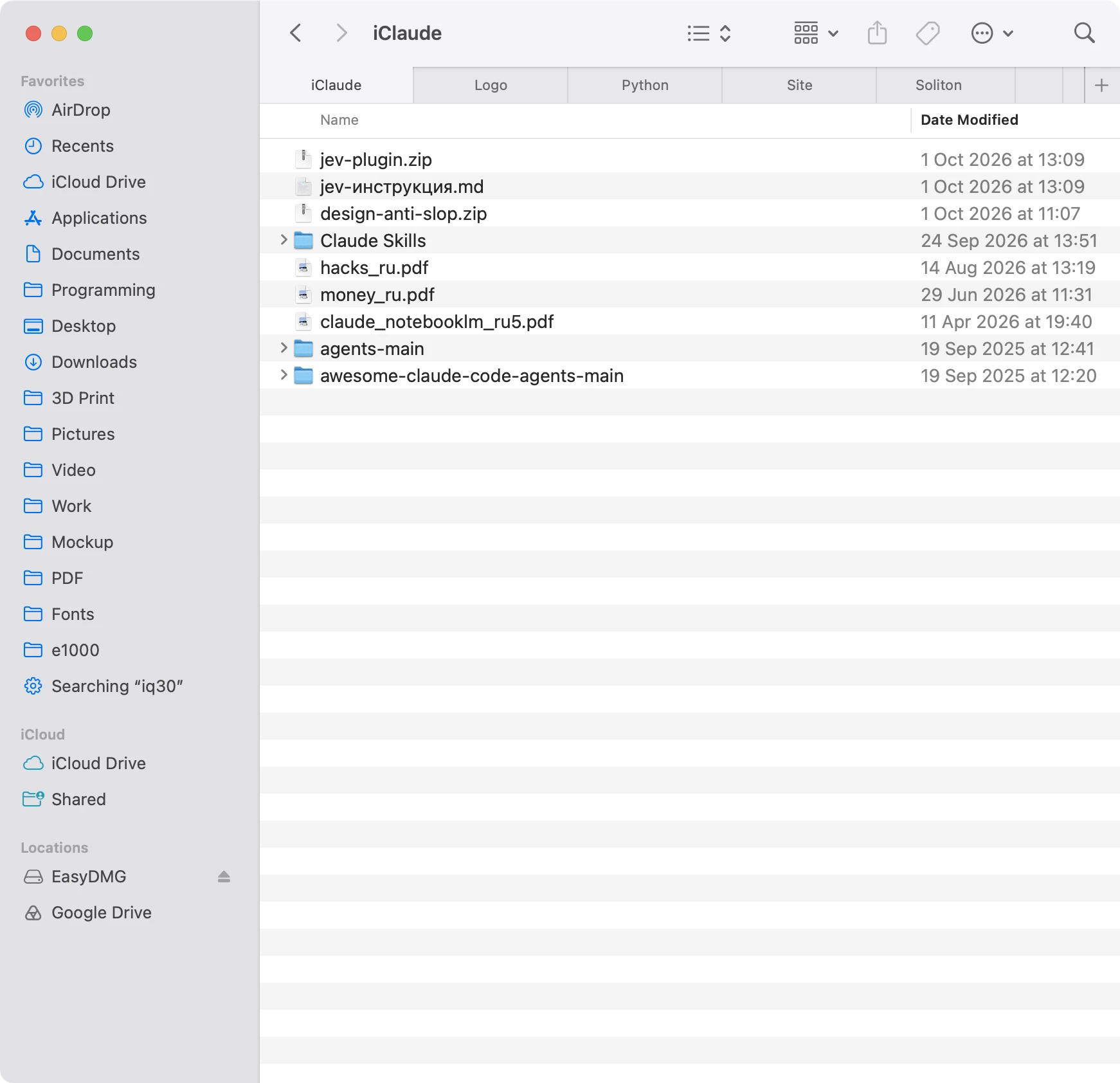

A report is untrusted input
A model can write <img onerror> into a report as easily as a table — and a desktop app can write to disk. So the reader treats every document as a stranger’s.
- Nothing in a document runsHTML is sanitized, a strict content policy blocks inline script, diagrams render in strict mode.
- The window never leaves the documentWeb links open in the browser, links to other
.mdfiles open in the app, everything else is ignored. - Your edits are never overwrittenAn outside rewrite of a file you are editing waits for you instead of replacing your text.
- Prices in a sentence stay prices“$5 and $10” is text, not a formula, and a
$HOMEinside code is left alone.
Small on purpose
The first version ran on Electron. I moved it to Tauri — a native shell around the system’s own web view — and the app became 9.6 MB on a Mac and a 3 MB installer on Windows. The diagram engine loads only when a document has a diagram, and the code highlighter carries about 35 common languages instead of all of them: the main bundle went from 1727 to 705 KB.
Both builds come from one codebase and one Mac: the Windows installer is cross-compiled, not built on a second machine.