Home / Works / Krepp

Krepp

Cash against the phone in your pocket
UX/UI Designer D-Tech Baku 2022 krepp.app

Krepp lends 100 to 1,000 manats to a bank card, and the collateral is your smartphone. It is pledged digitally by its IMEI — you keep using it — and it gets blocked only if the loan isn’t repaid. I designed the app: the application from IMEI to money, identity checks, the home screen that tracks the debt, and both themes.

This phone replays the home screen’s two states from the design: days left, then the warning. The amount is illustrative.
100–1,000 ₼
loan, paid to the borrower’s bank card
IMEI
the phone is the collateral, pledged digitally and kept in use
ID + face
identity through the ID card and a SİMA video check — no branch visit
18–65
citizens of Azerbaijan with a registered smartphone
Impact

Krepp is live in the App Store. I don’t have its loan or conversion data, so this page shows the decisions, not results.

01 — Apply

From IMEI to money, one decision per screen

The application is a straight line with no branches to get lost in: the phone, the amount, the ID, the face, the bureau check, the offer, the card. Every screen asks one thing and says why.
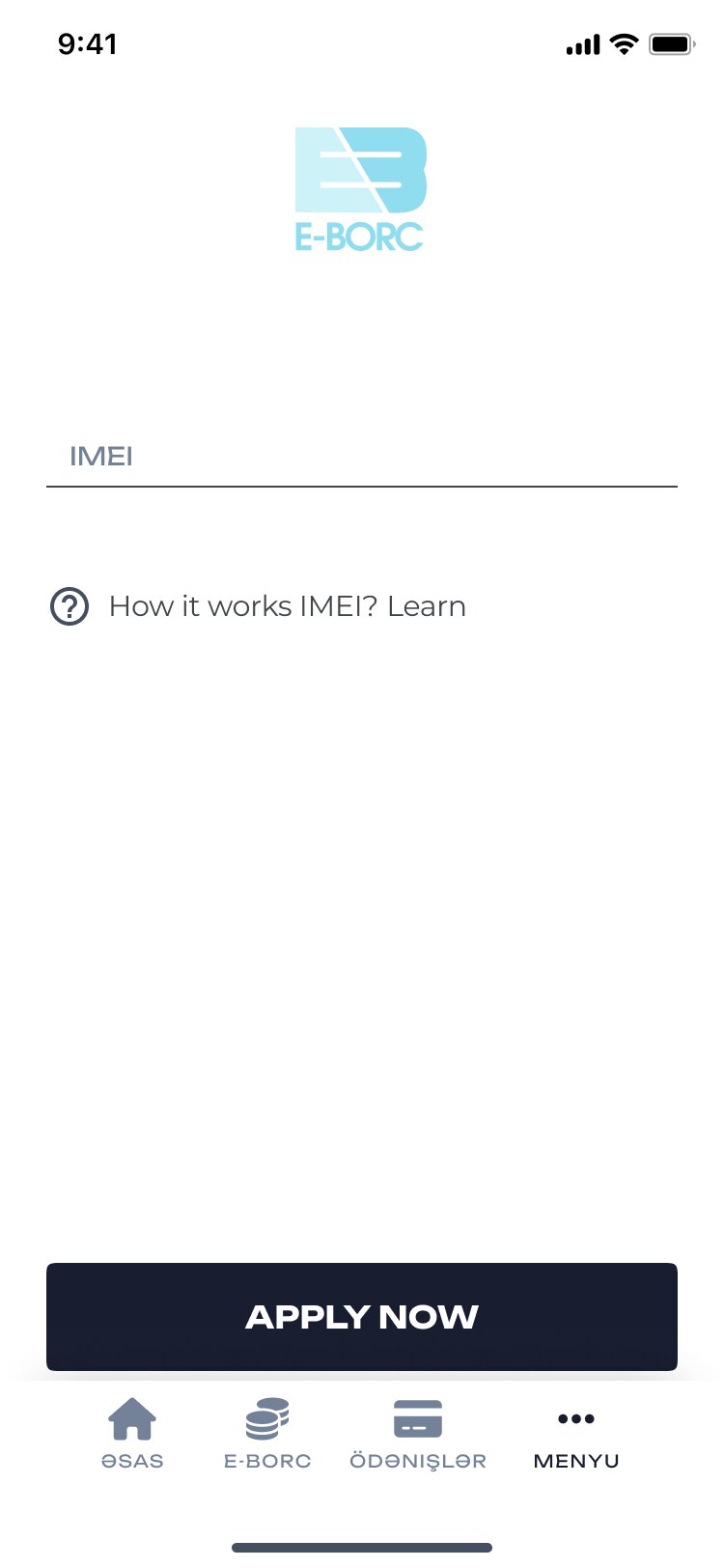
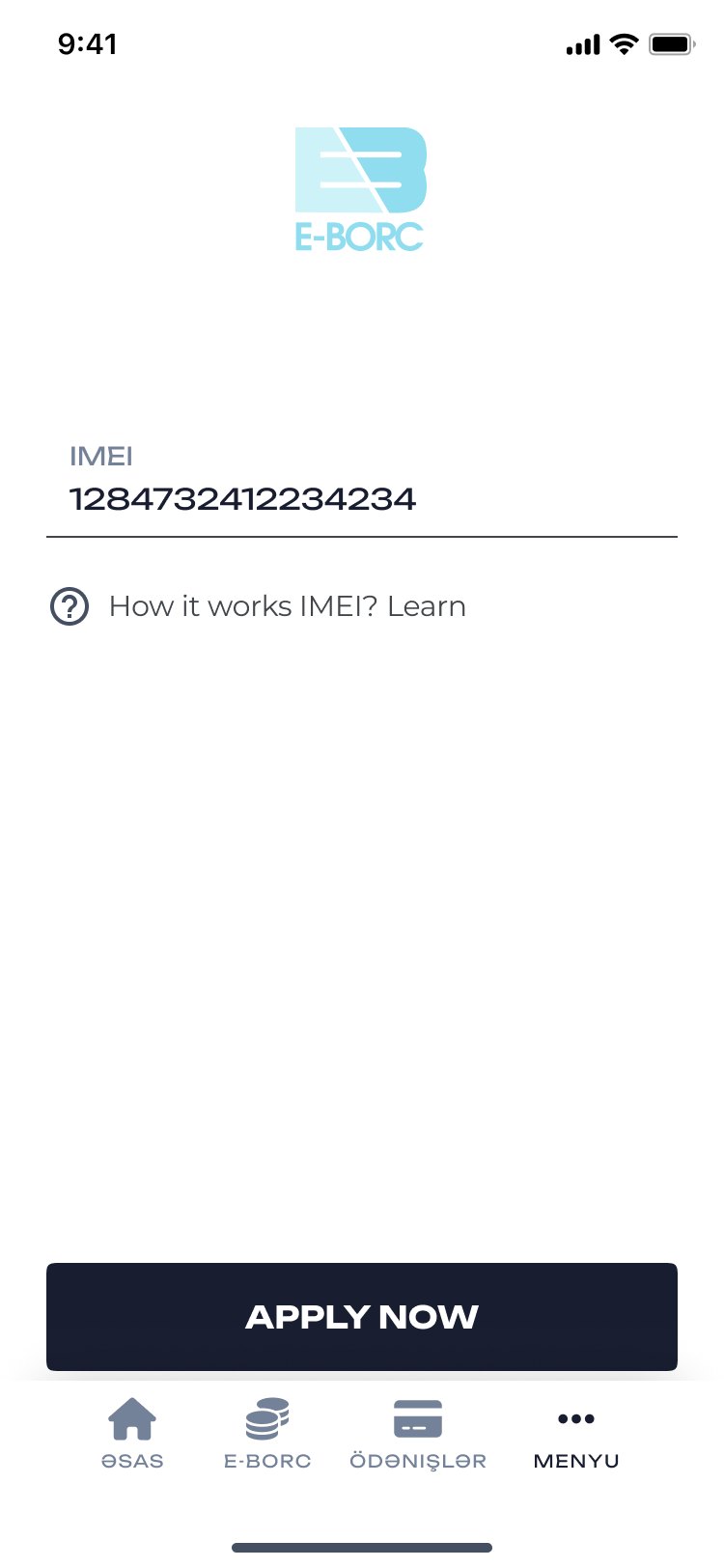
Enter the IMEI
The phoneIts IMEI is the collateral, so it comes first.
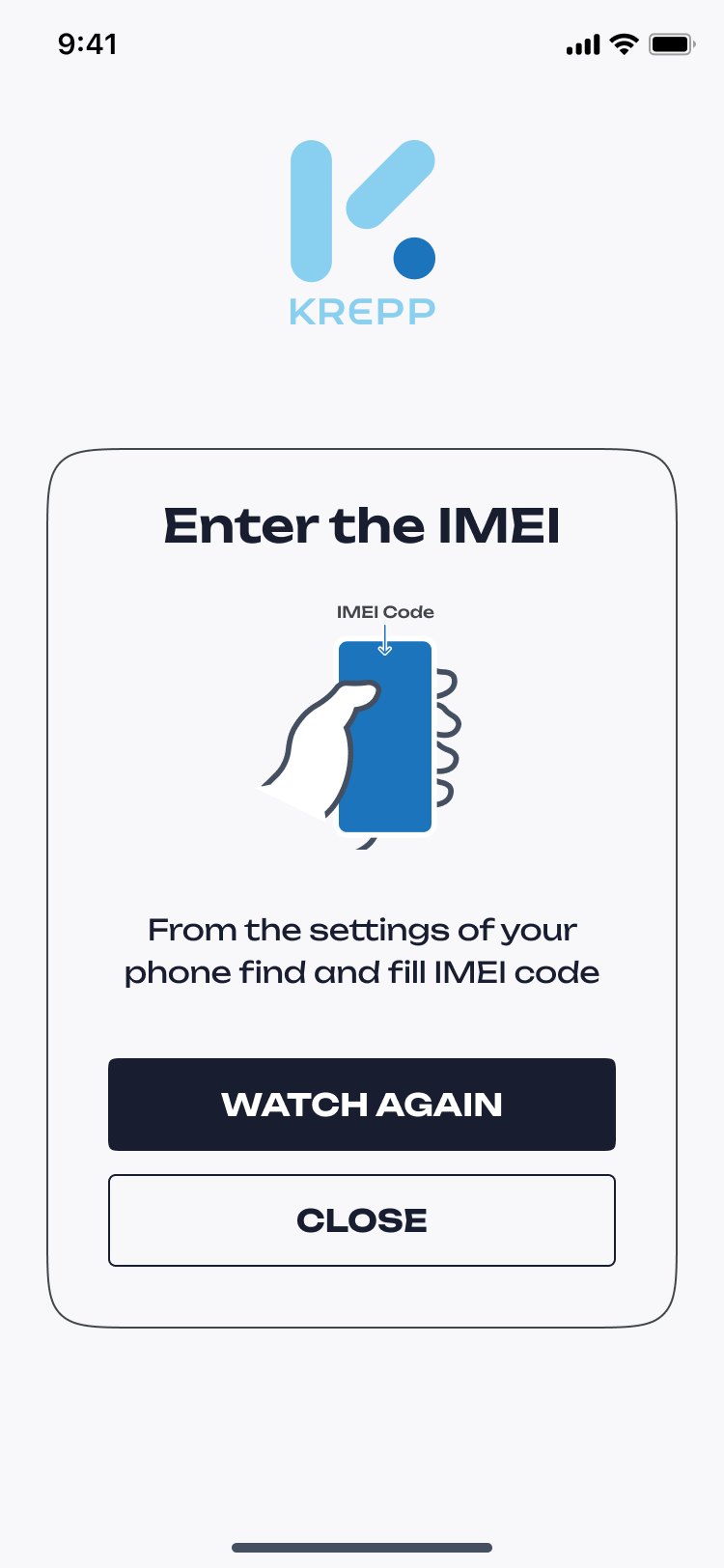
How to find the IMEI, with an illustration
Where to find itA short how-to instead of a support call.
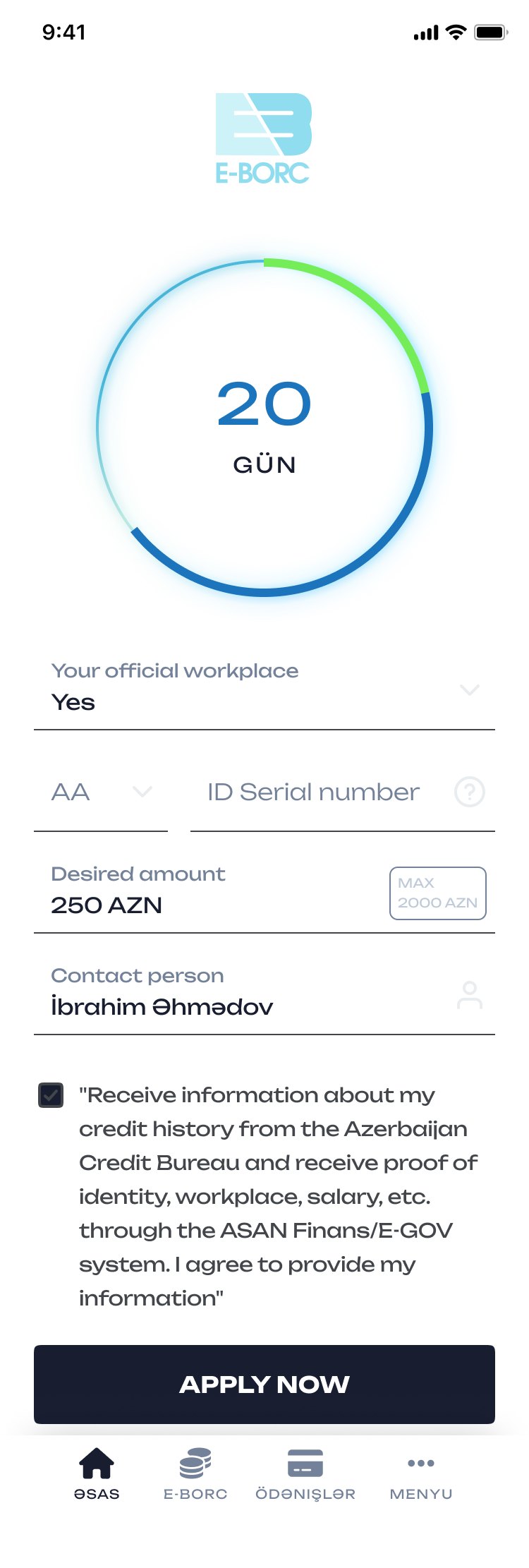
Application: term ring in days, workplace, ID serial, amount, contact person, consent
Term and amountThe term is the same ring the home screen will show later.
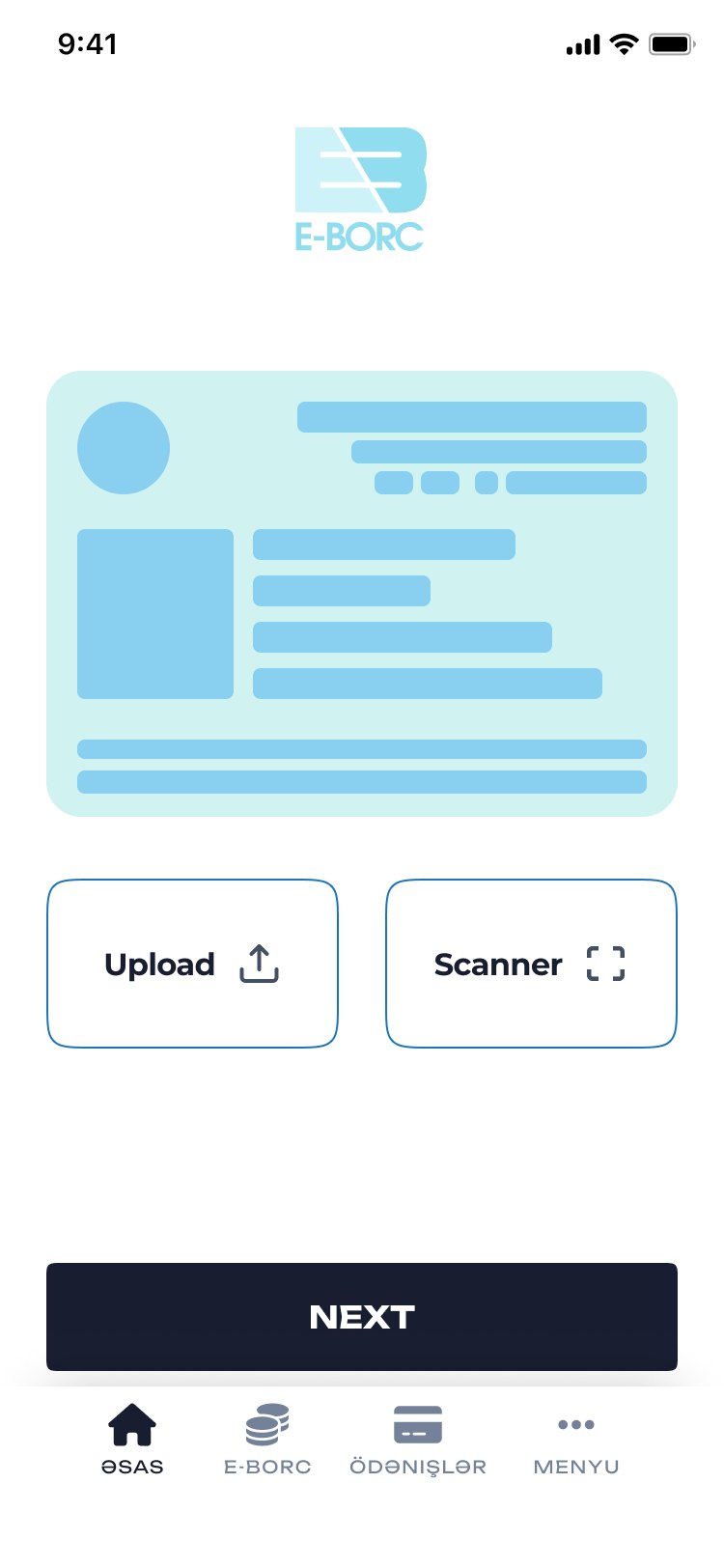
ID card: upload or scan
ID cardUpload a photo or scan it in place.
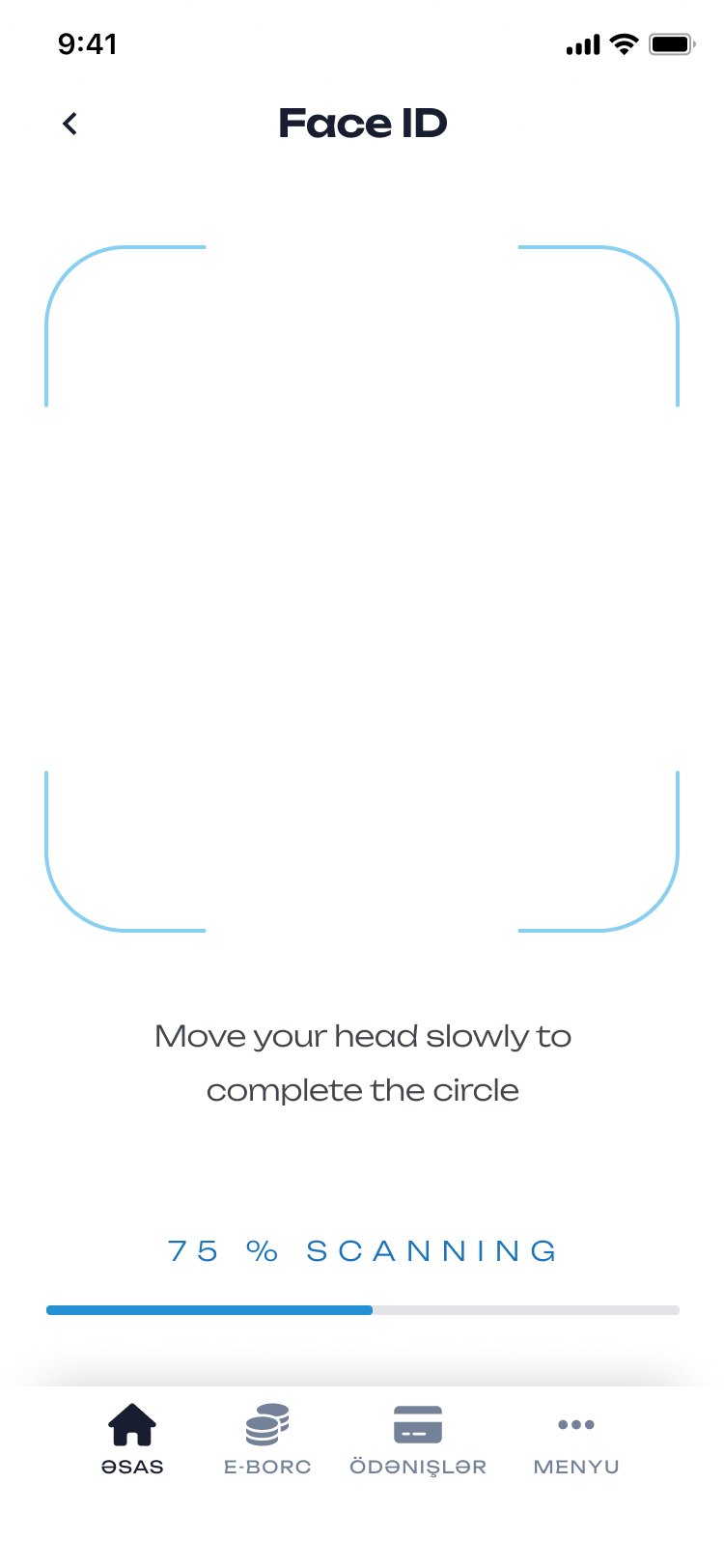
Face scan, 75% scanning
FaceMove your head to close the circle.
34%: request sent to ASAN Finans
The checkThe app says who it is asking — the credit bureau, ASAN Finans — while it waits.
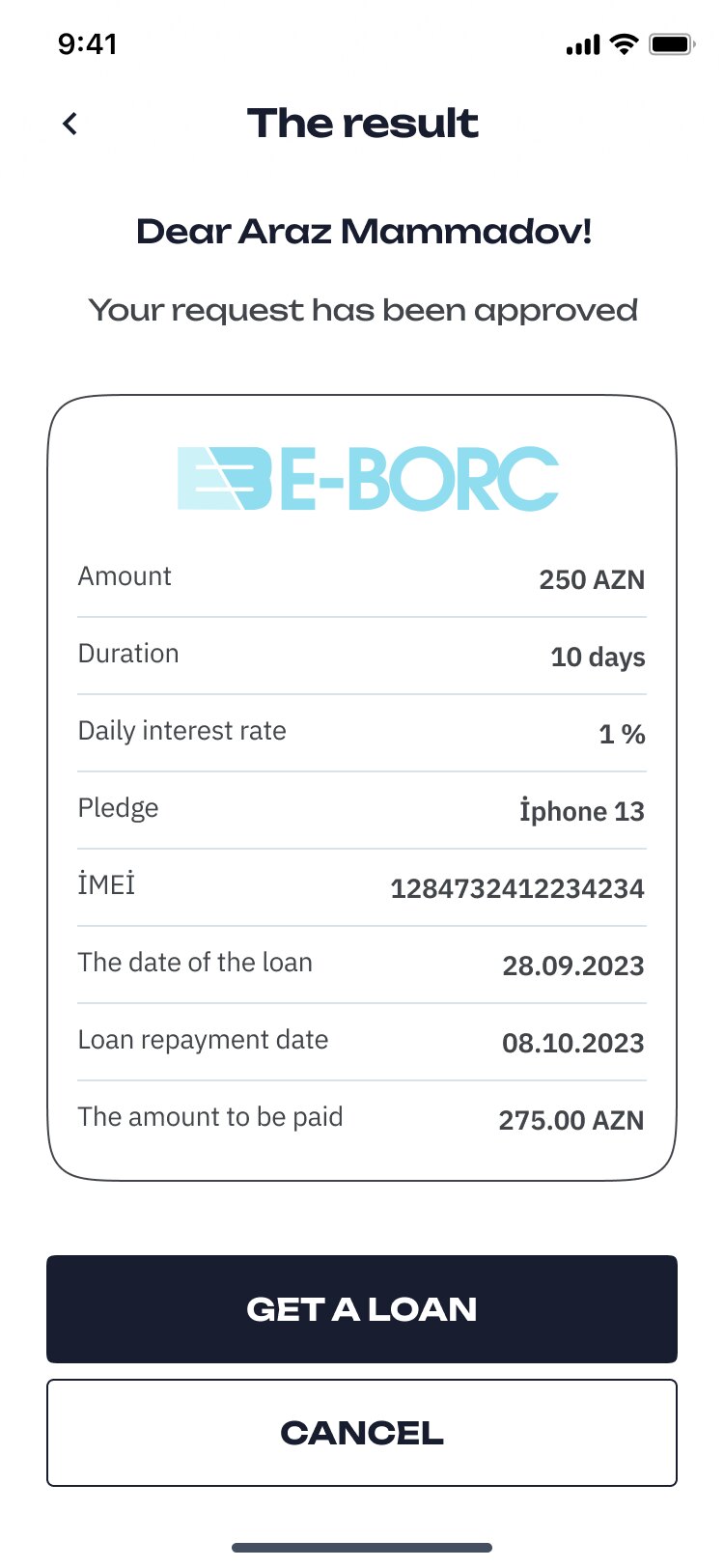
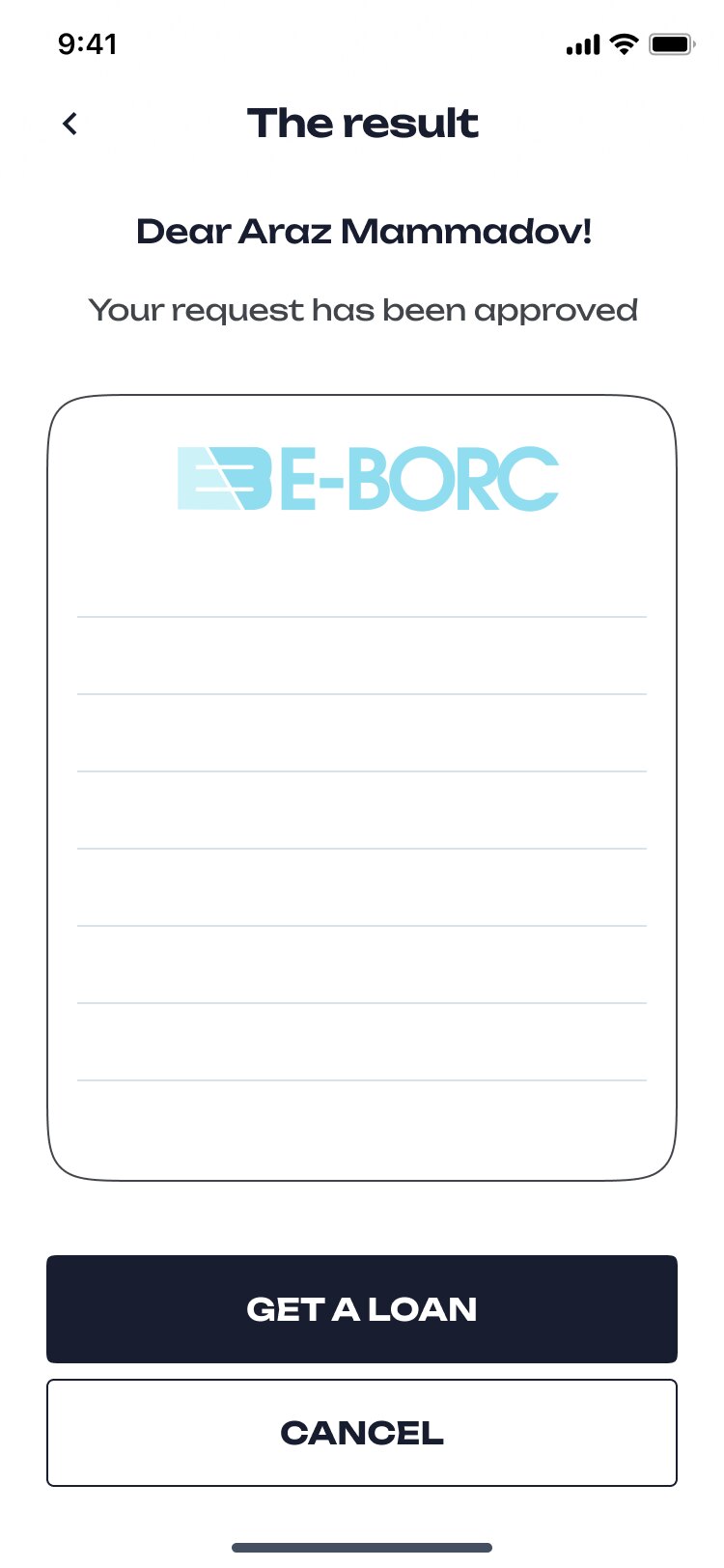
The result: amount, duration, daily rate, pledge, IMEI, dates, amount to be paid
The offerEverything in one table, including what you will pay back.
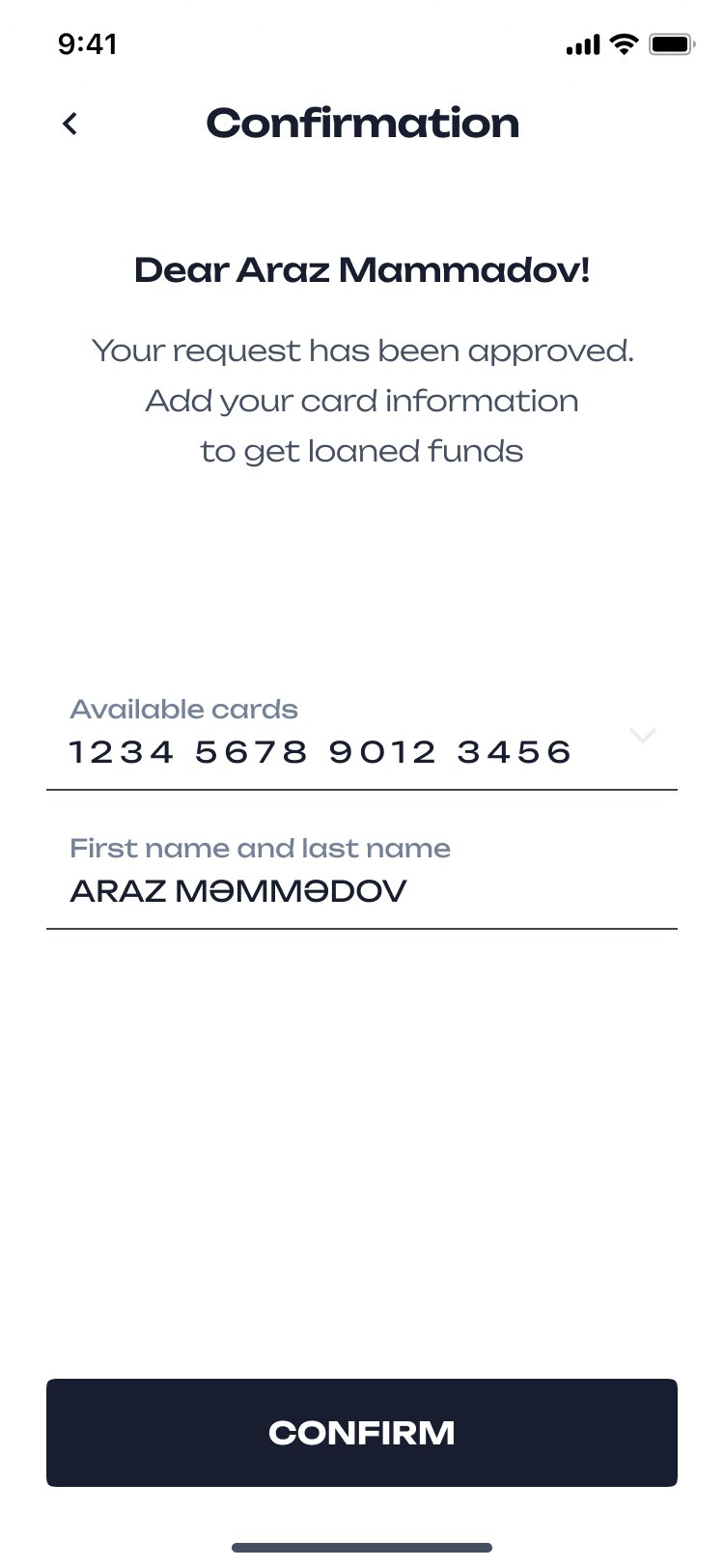
Approved: choose a card to receive the funds
The cardPick a saved card or add one; the money goes there.
02 — Trust

Signing a loan with your face

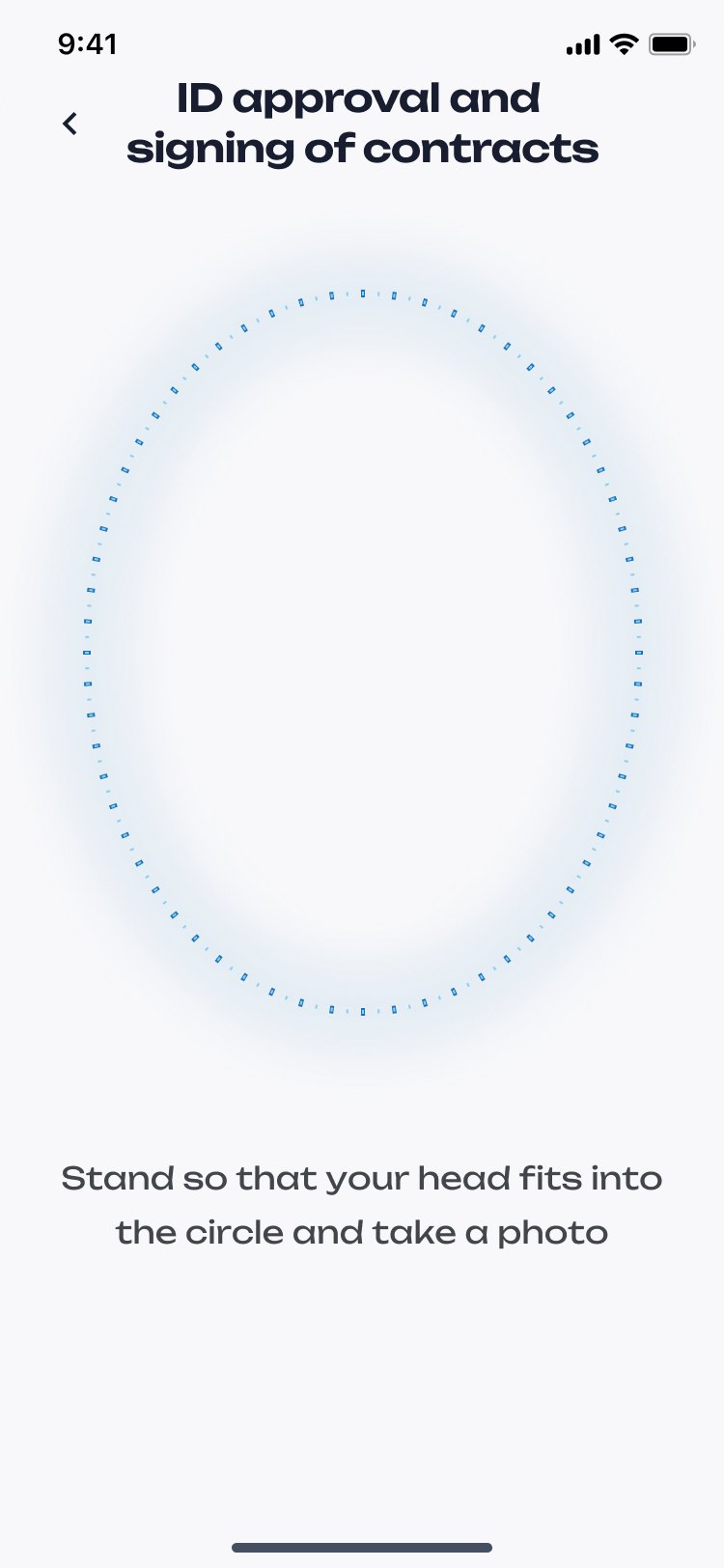
There is no office to sign in. The agreement and the rules are a readable document with a table of contents, and the signature is a face photo taken against the ID. A refusal says what it is based on.
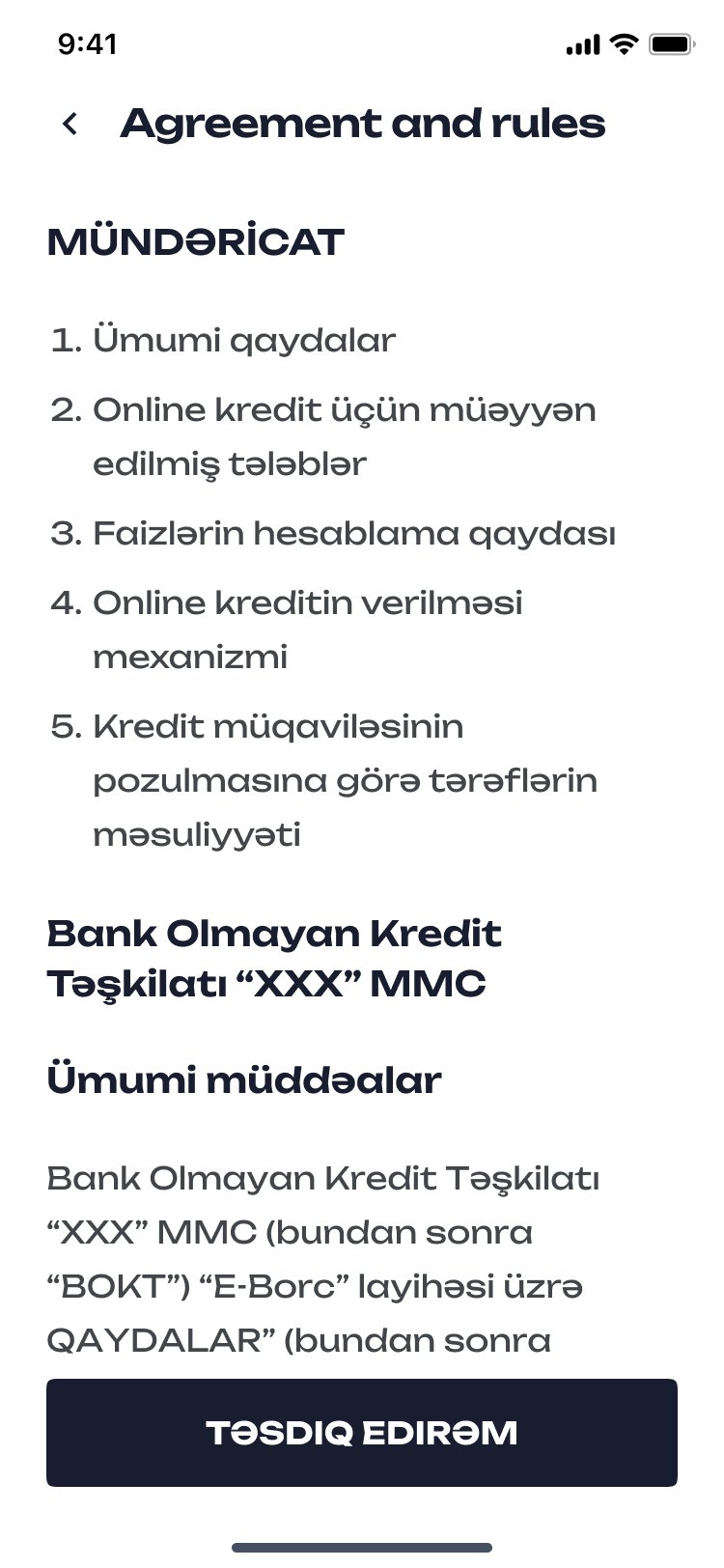
Agreement and rules with contents
Agreement and rulesContents first, then the text.
ID approval and signing of contracts: fit your head into the circle
SignA face photo, matched to the ID.
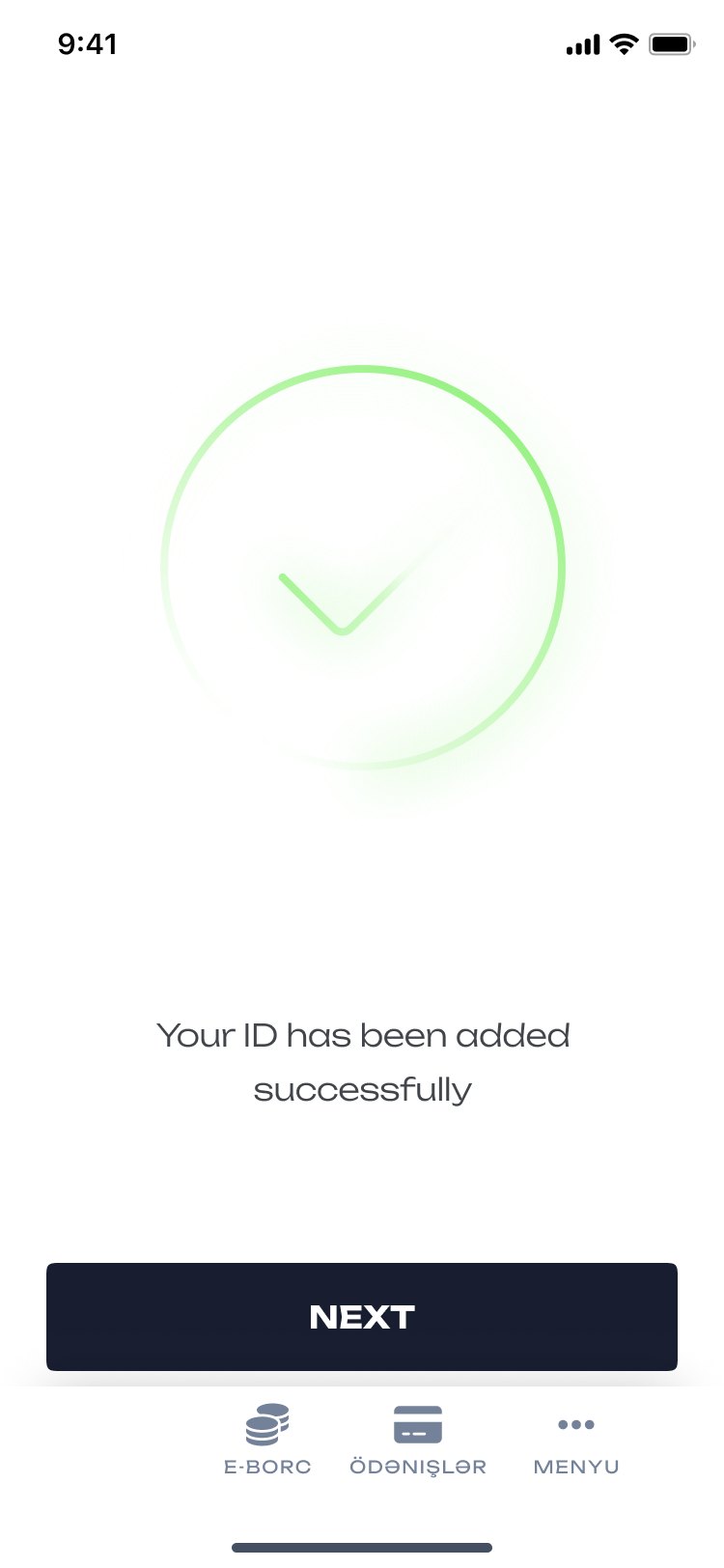
Your ID has been added successfully
DoneEach check ends on its own confirmation.
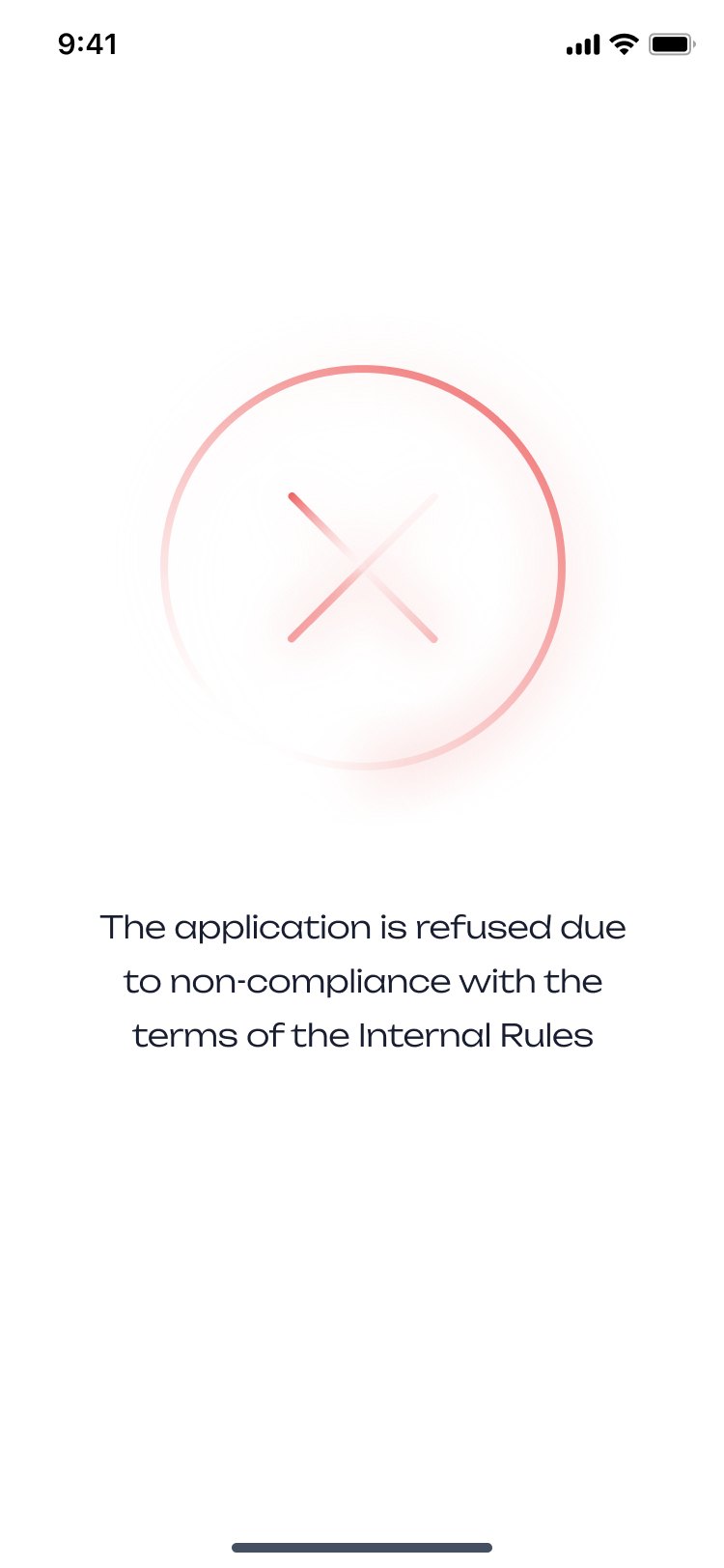
The application is refused due to non-compliance with the internal rules
RefusedThe same visual language, in red, with the reason.
03 — Owing

One ring: what you owe and how long you have

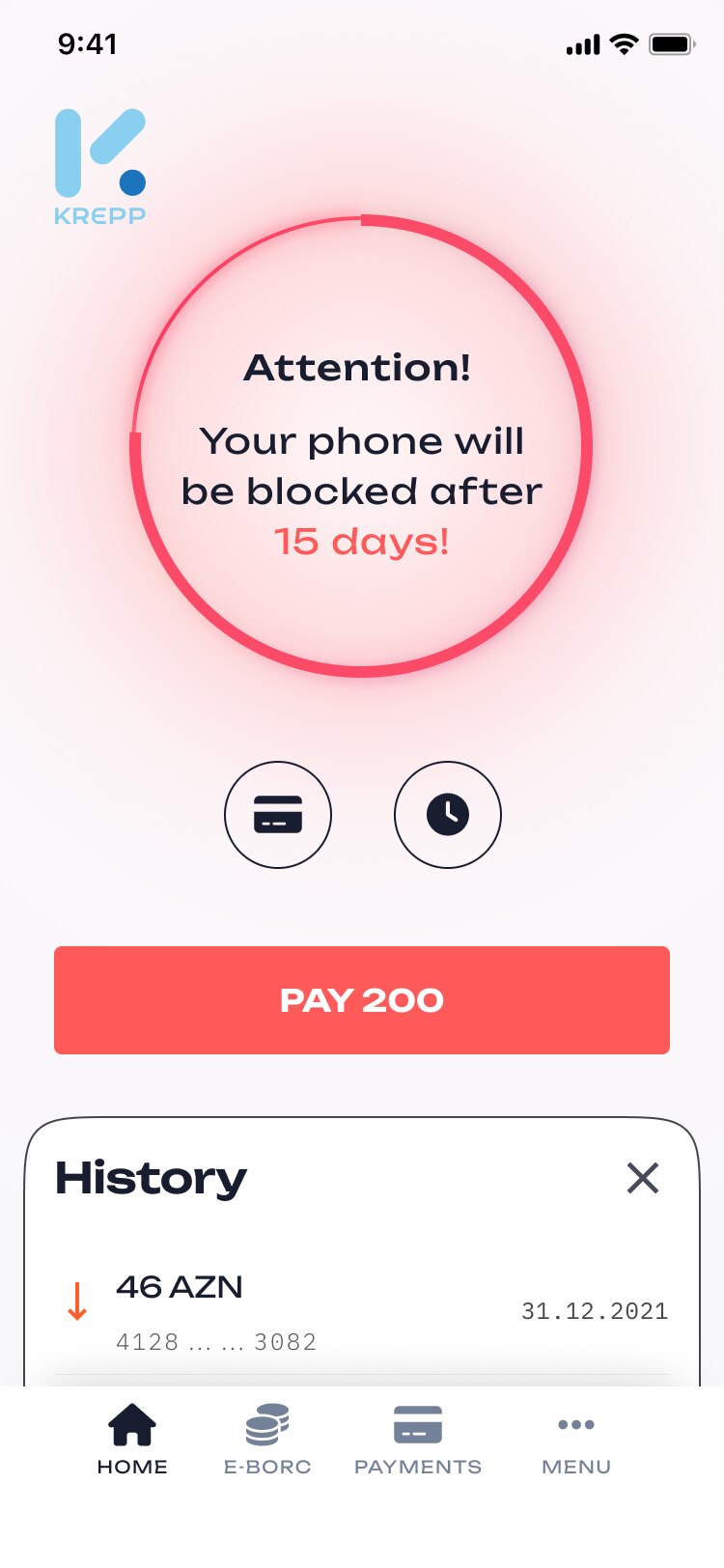
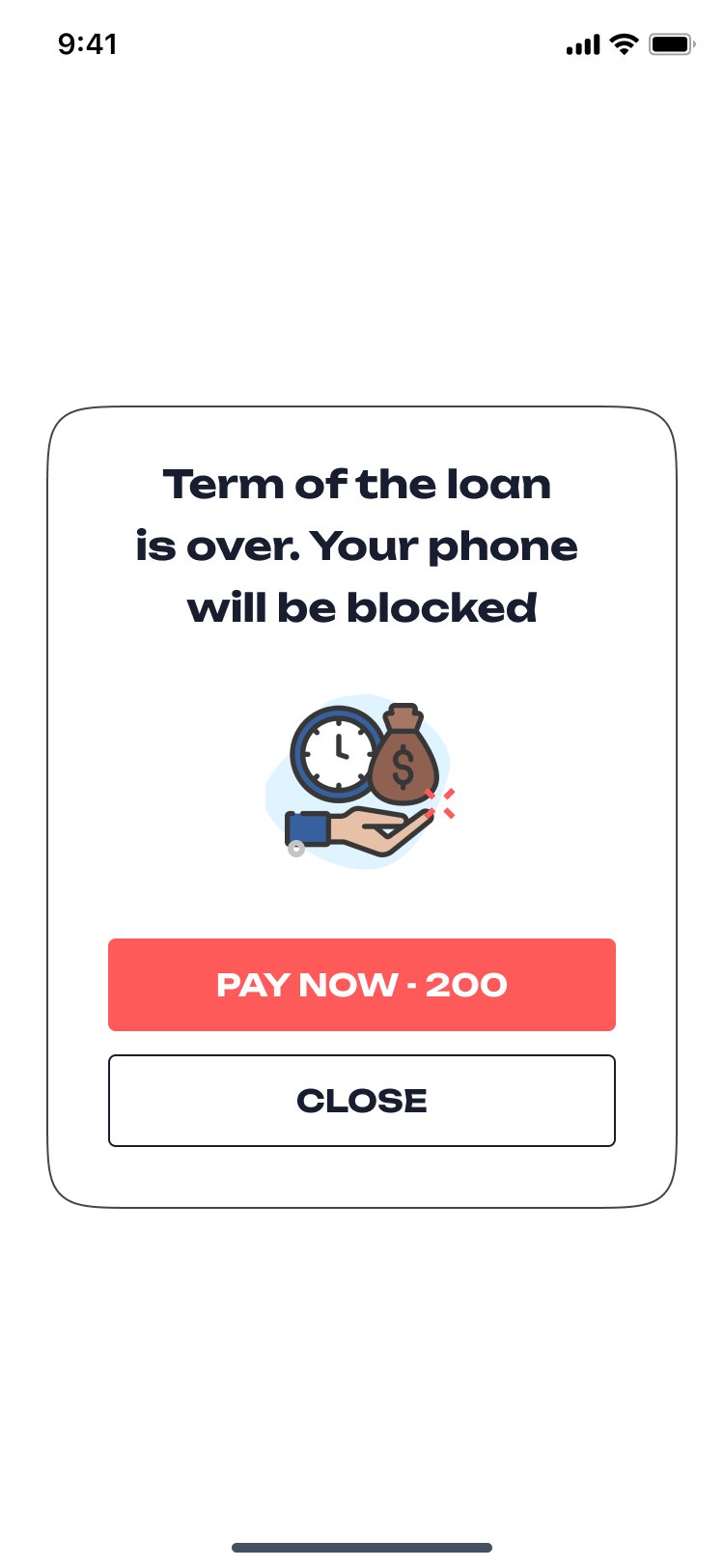
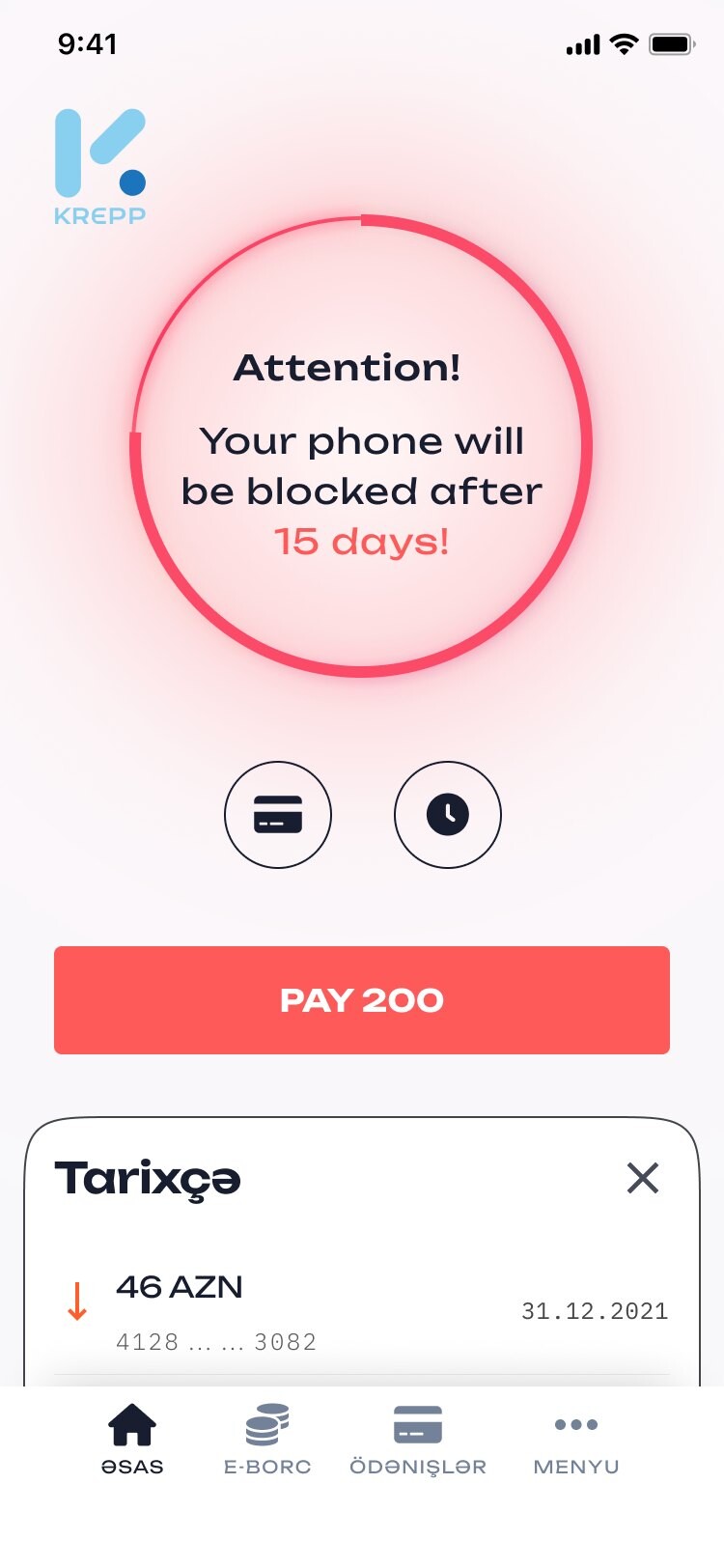
After the money arrives the only question is “how much, until when”. The home screen answers it with a single ring: the amount in the middle, the days left around it. When the term runs out the ring turns red and the screen says the honest consequence — the phone will be blocked — with the pay button right under it.

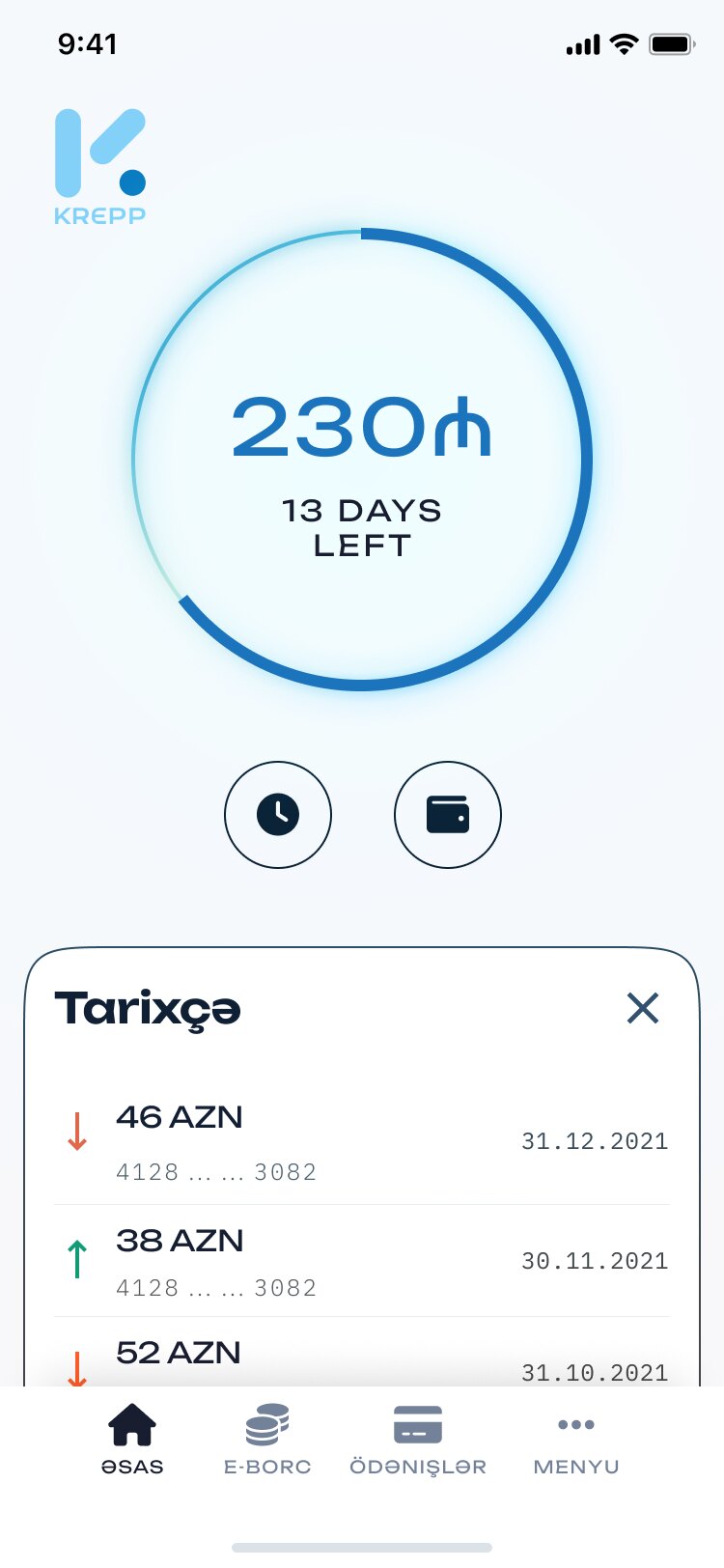
Home: 230 manat, 13 days left
On timeAmount and days, nothing else to read.
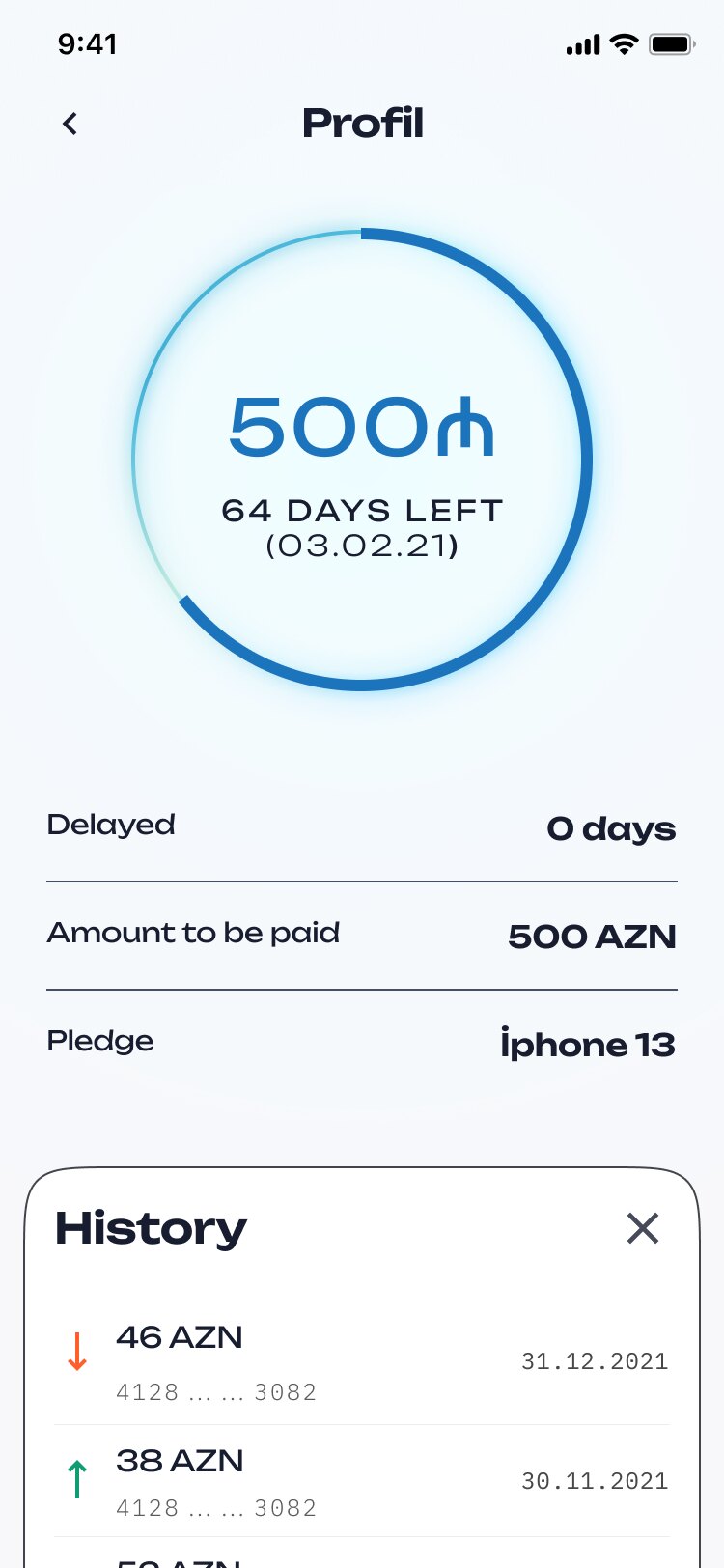
Profile: 500 manat, 64 days left, delayed 0 days, pledge iPhone 13
The loanDelay, amount to pay and the pledged phone.
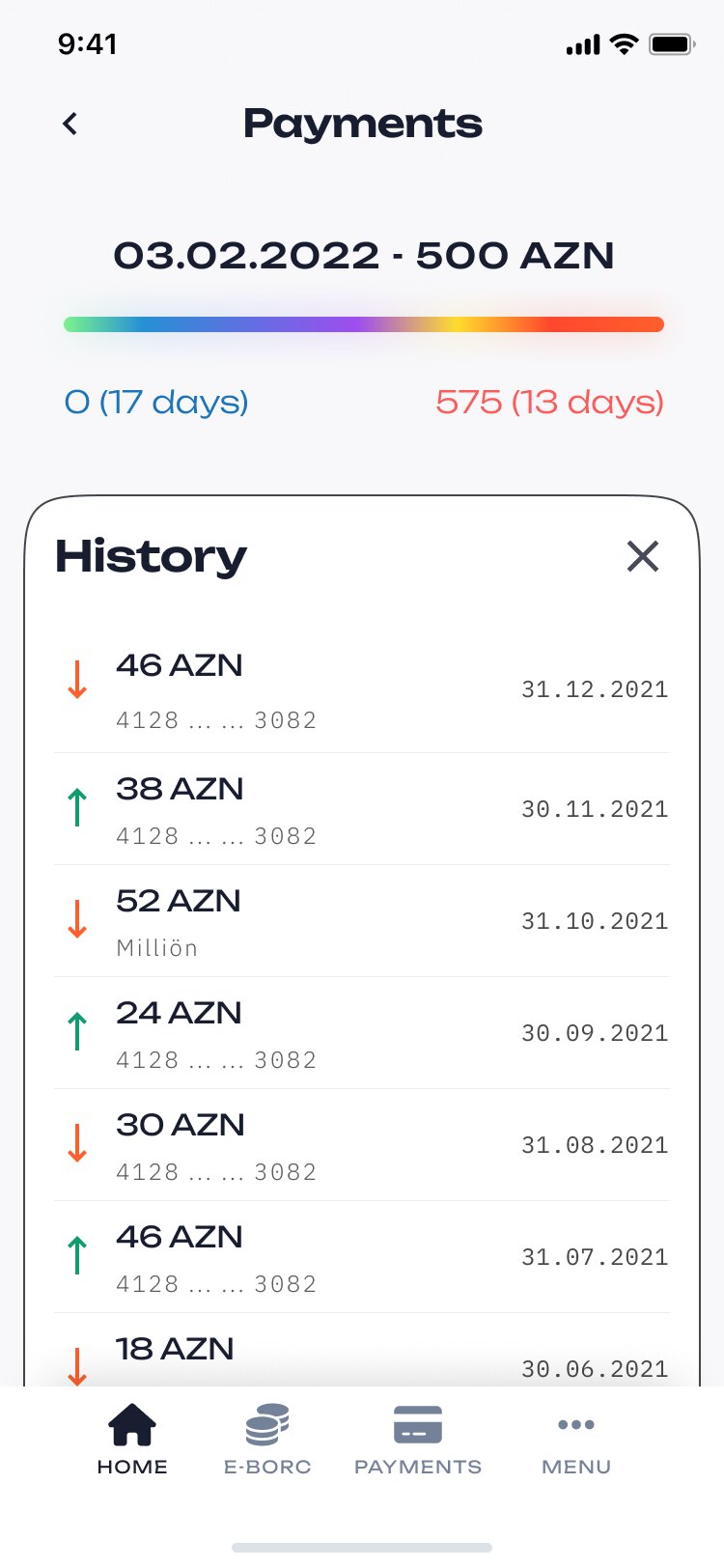
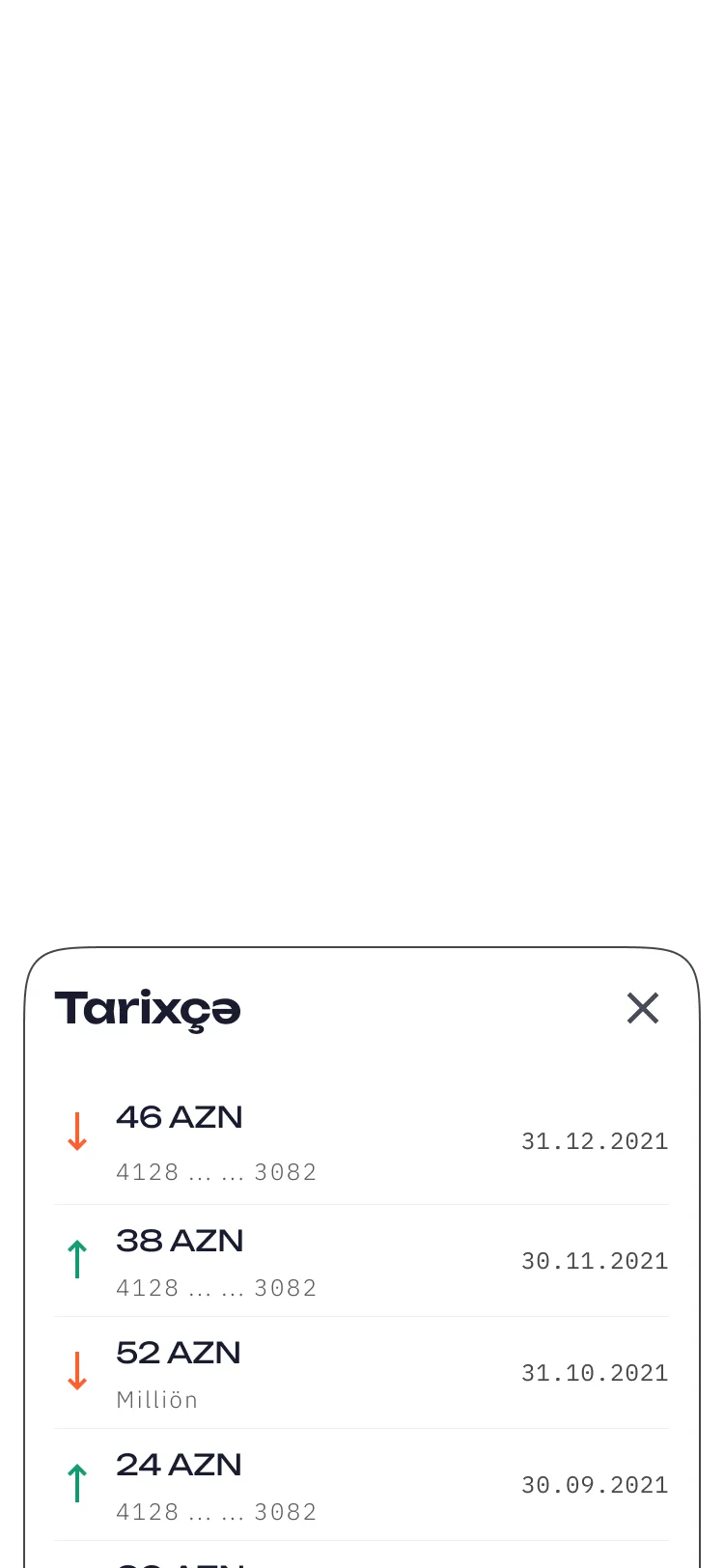
Payments: progress bar from 0 to the amount due, history below
PaymentsThe term as a bar, the history as a list.
Attention! Your phone will be blocked after 15 days, Pay 200
LateThe ring turns red and the button moves up.
Term of the loan is over. Your phone will be blocked. Pay now
Term overA dialog you can’t miss, and still a way out.
04 — Two themes

Light and dark, the same meaning

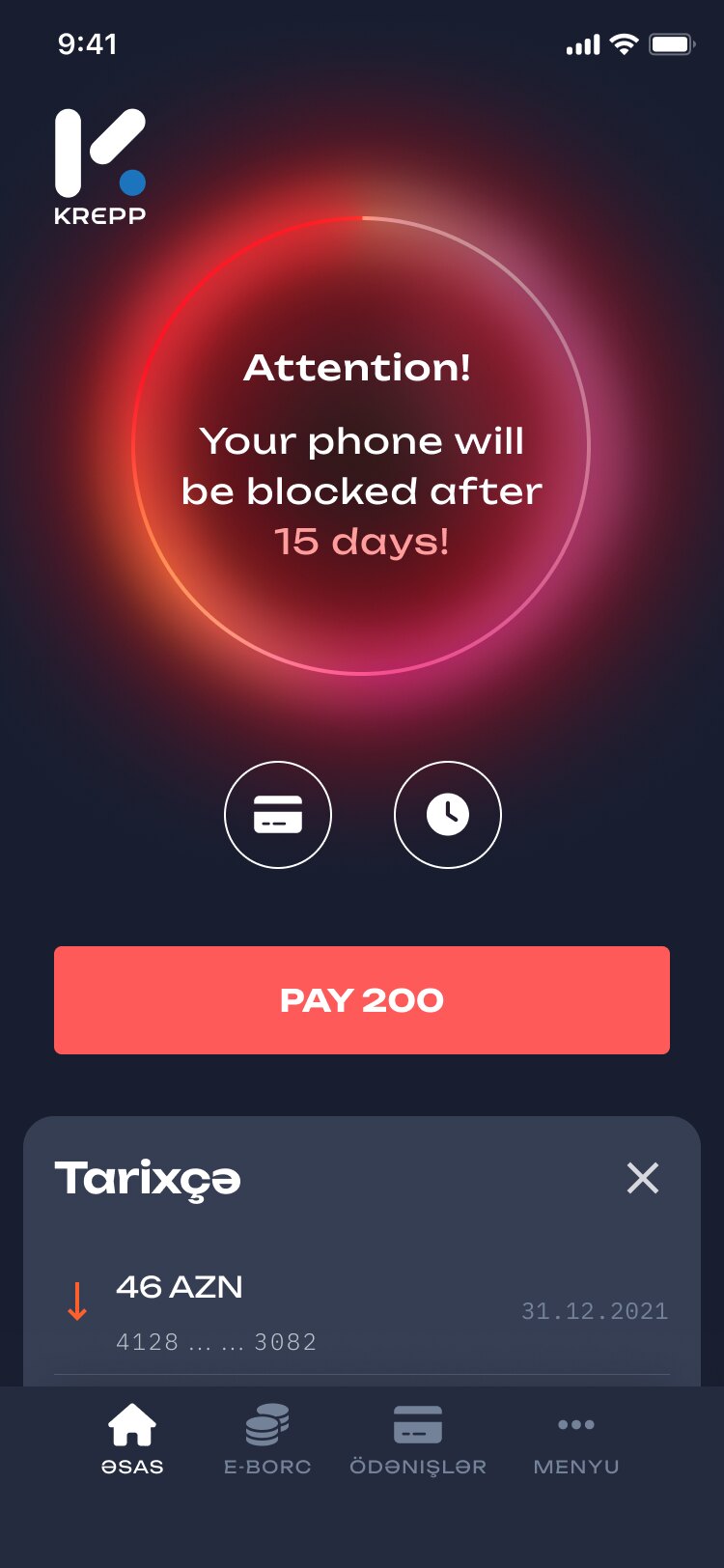
Every screen exists in both themes — the application, the check, the debt. In the dark one the rings become a glow, but the colours keep their job: calm while there is time, red when there isn’t.
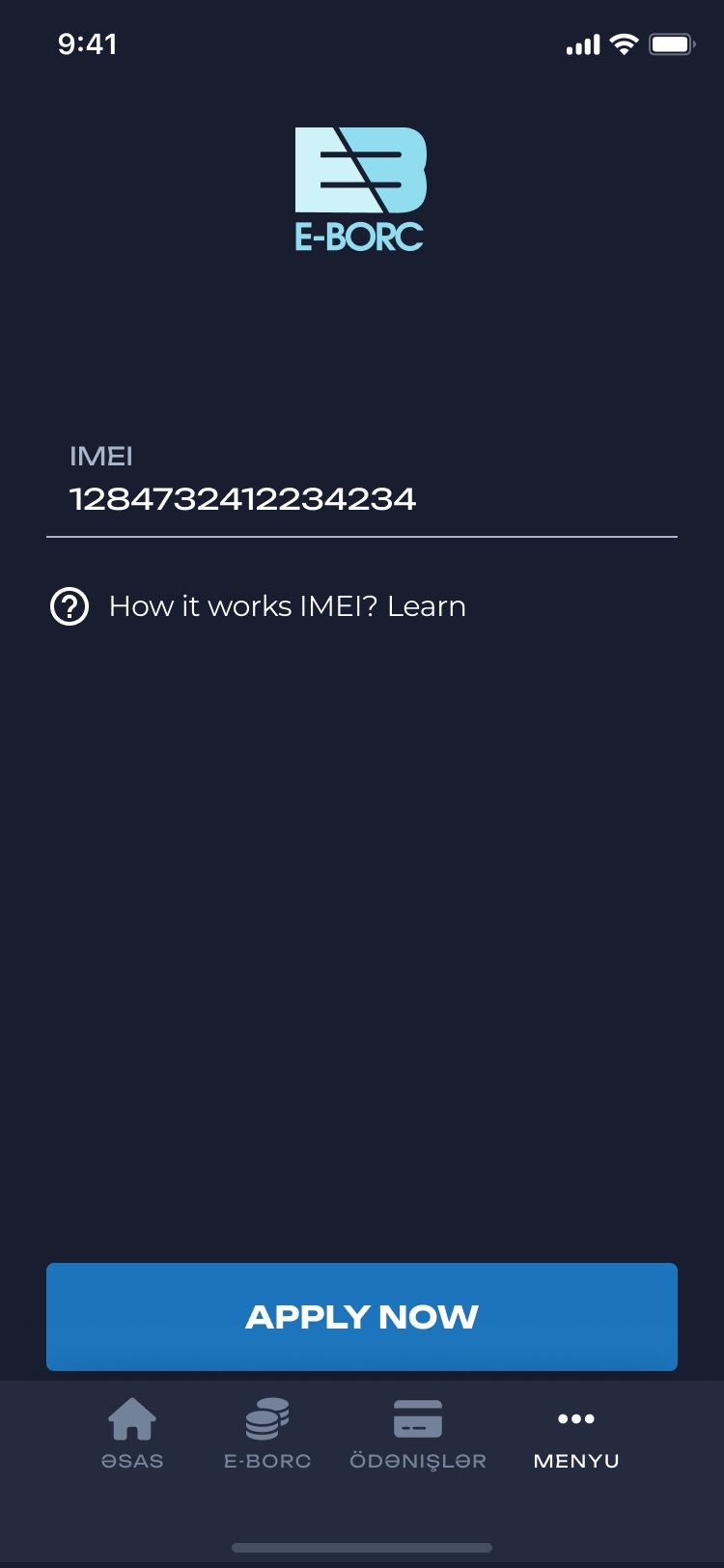

IMEI entry, light Credit check in progress, light Warning, light
IMEI entry, dark Credit check in progress, dark Warning, dark
05 — Around the loan

Everything else stays out of the way

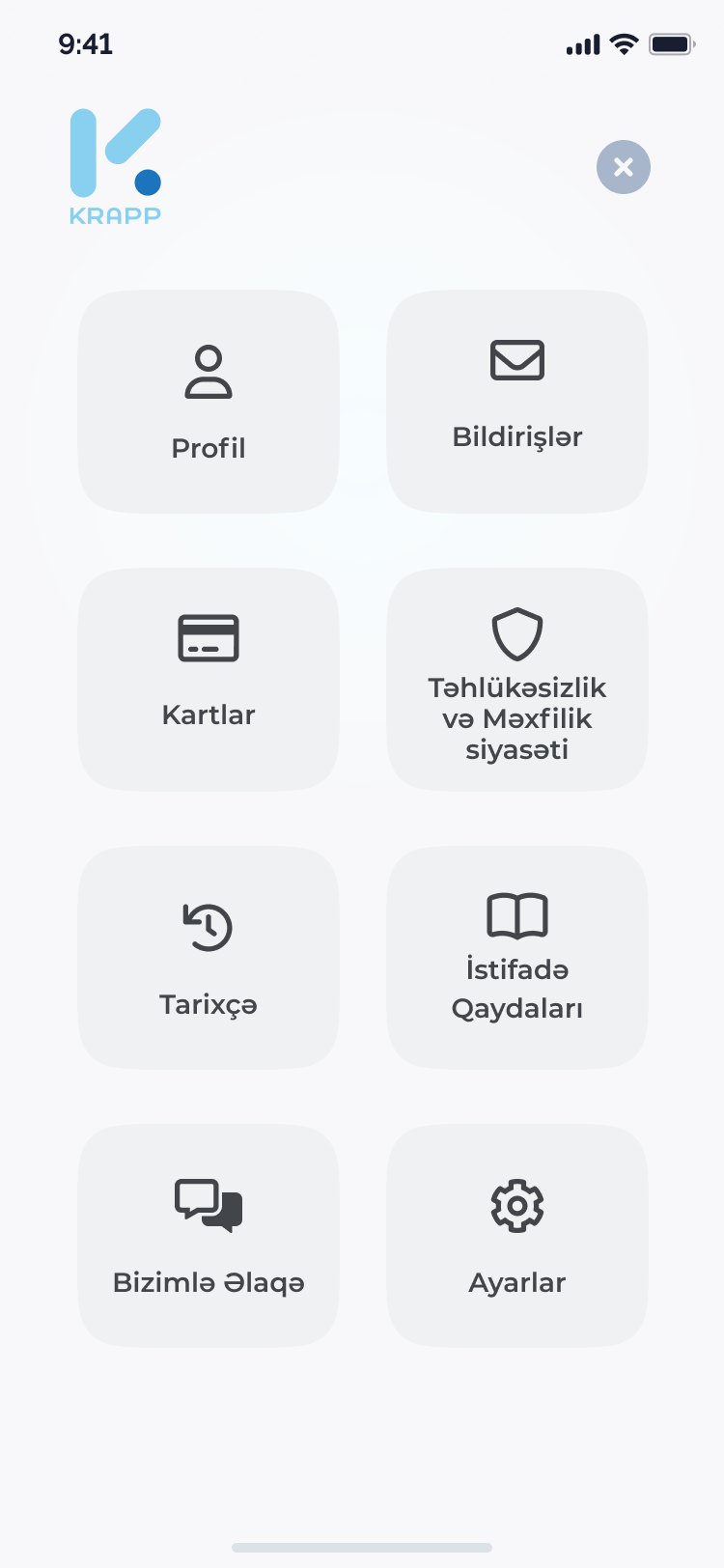
Profile, cards, history, rules and support live behind one menu of large tiles. A new user without a debt gets a home screen that points to the two ways to get money instead of an empty ring.
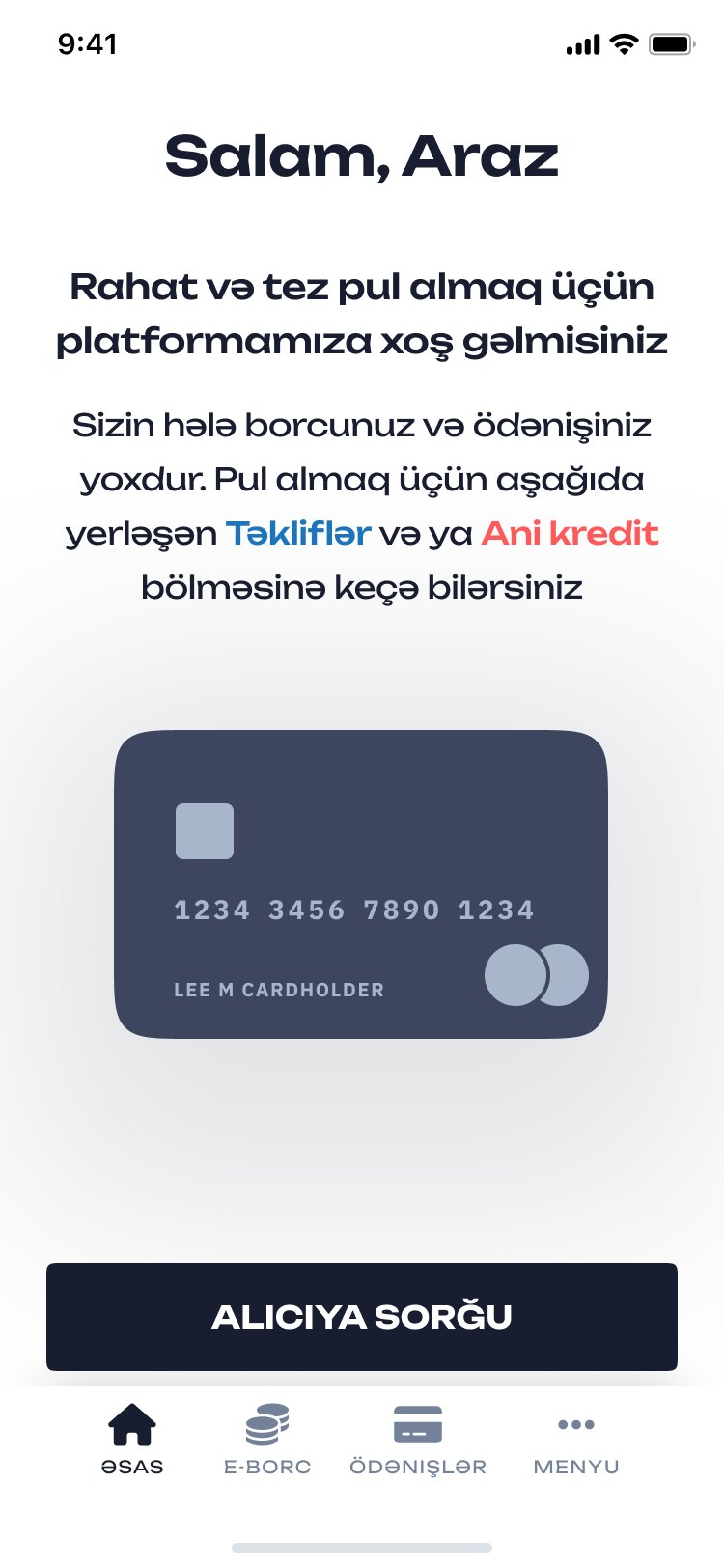
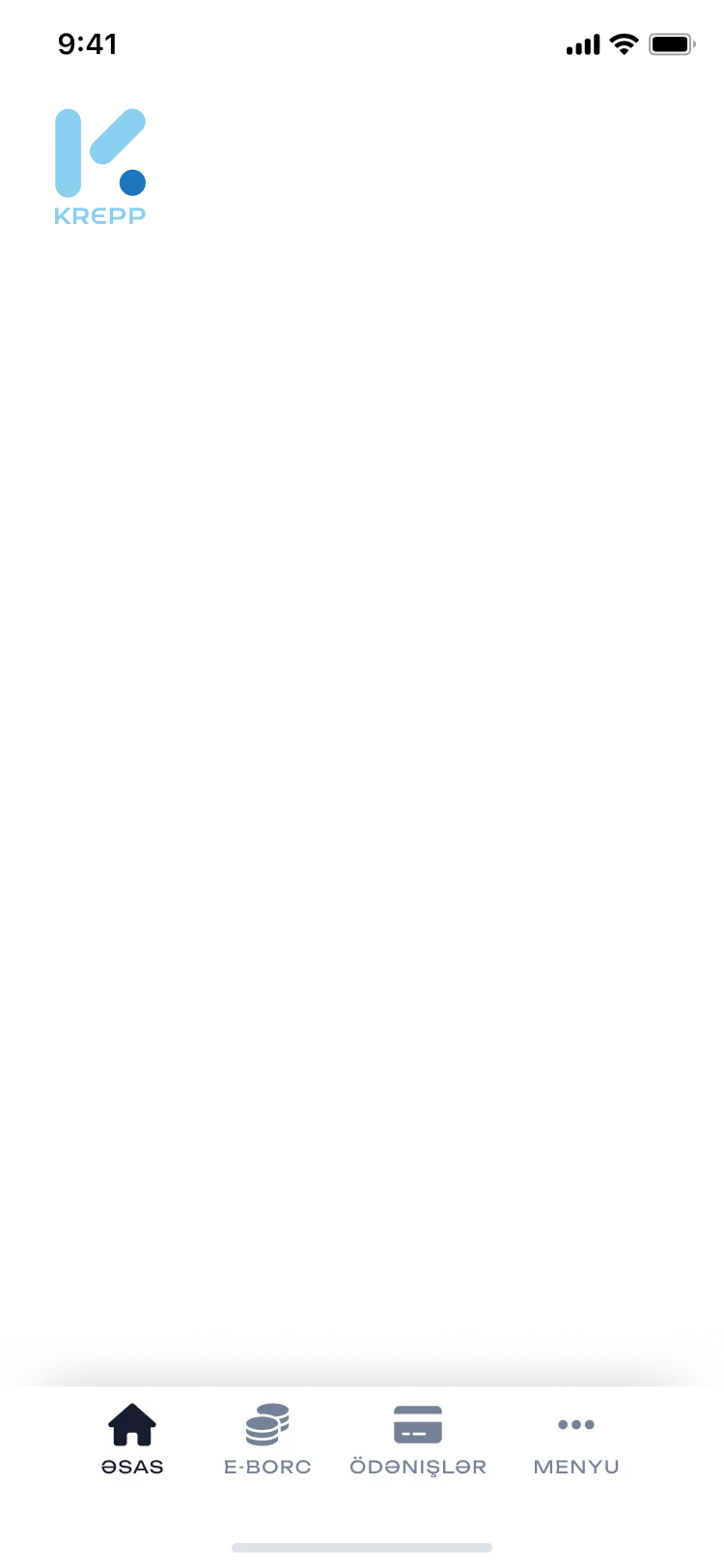
Home without a loan: welcome and where to go
No loan yetA welcome and the next step.
Menu: profile, notifications, cards, security, history, rules, contact, settings
MenuEight tiles, nothing nested.
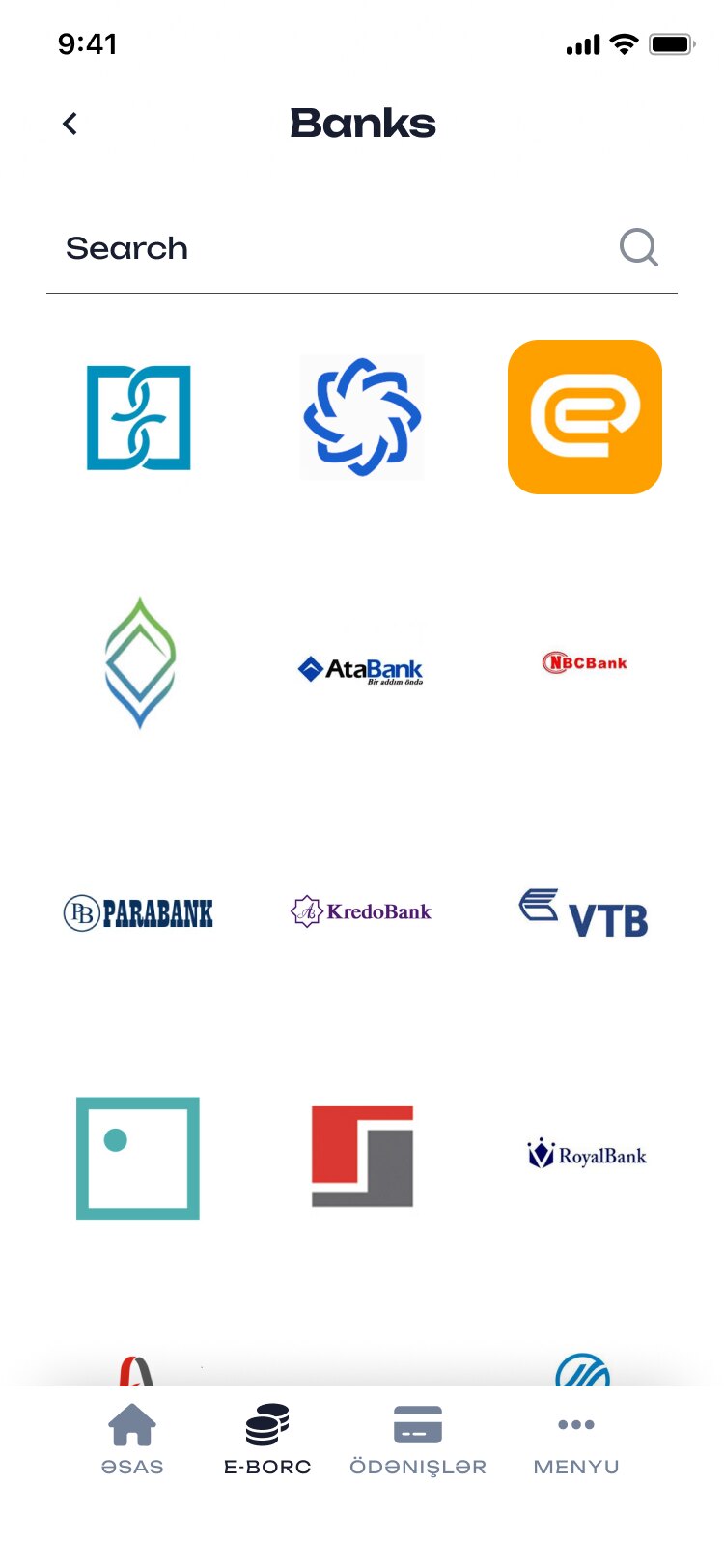
Banks grid with logos and search
BanksBy logo, with search.
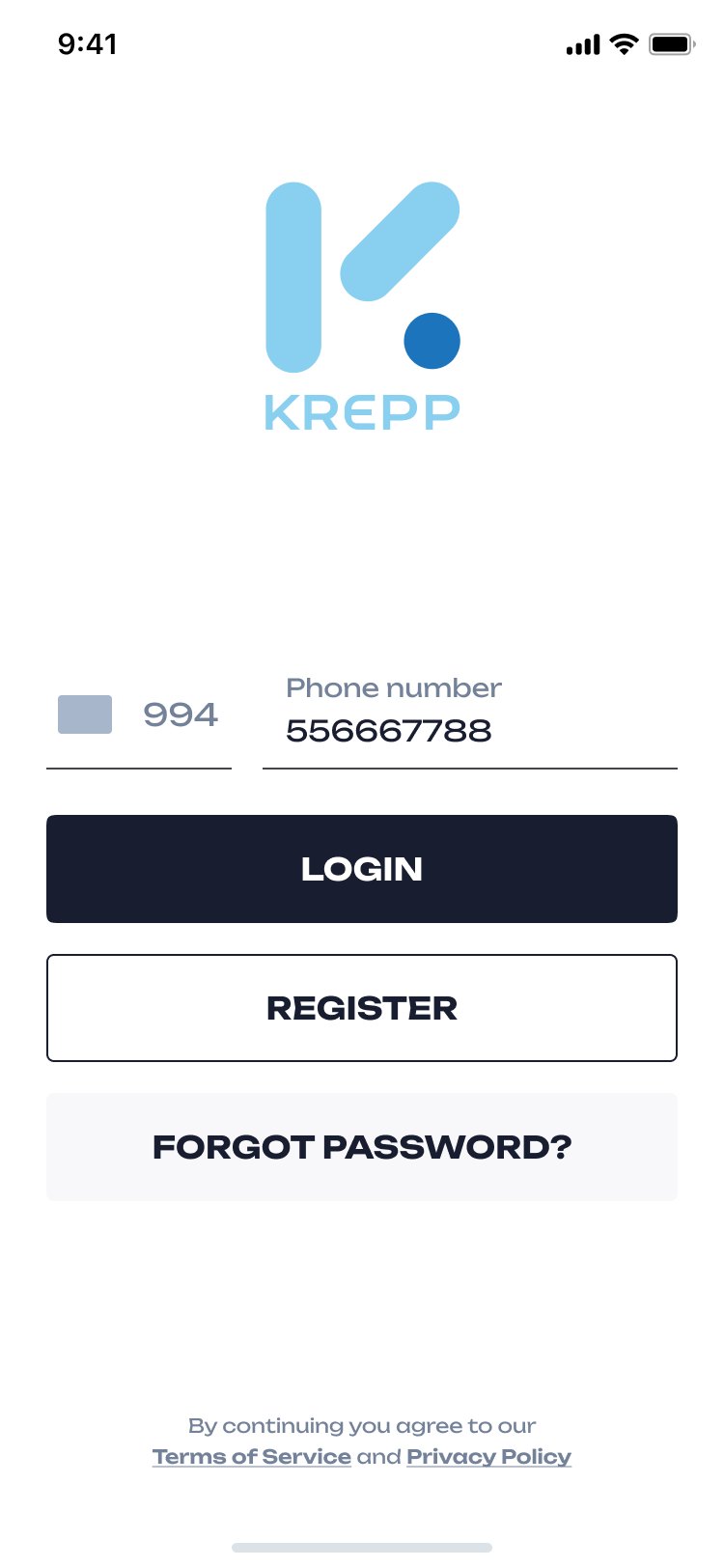
Login by phone number
LoginBy phone number.

Some application screens carry the “E-Borc” mark — the name of the loan product inside the app; Krepp is the app around it.

A loan you can read at a glance

A lending app for Azerbaijan: apply with the phone as collateral, verify without a branch, and always know what you owe and how long you have — in light and dark.