Ishvara
Looking for a remote senior role from Spain means reading the same vacancies on twenty boards, most of them closed to my country or written for someone else. So I built an agent that does the reading. It checks every board every two hours, scores each vacancy against my CVs, sends me the few that fit, drafts the application and fills the form. I make two decisions per job: apply, and press Submit.
The name comes from İş var — Azerbaijani for “there’s work”, the hashtag Azerbaijani speakers put on a vacancy or a gig.

The screen behind the Telegram bot. It is in Russian because it has exactly one user.
From a job board to a sent application, two taps
Everything that is reading, sorting and typing is the agent’s. Everything that commits me to something is mine.
- FindPublic ATS APIs (Greenhouse, Lever, Ashby, Workable), aggregators, structured job data on any page, public Telegram channels and job-alert emails. A new source is a pasted link — the agent works out what kind of site it is. When a board hides the employer behind a paywall, it finds the same job on the company’s own site.
- FilterRemote only, open to Spain or Europe. Duplicates across boards are merged by title and company; “remote, US residents only” is cut.
- ScoreAn LLM rates every vacancy 1–10 against my CVs and explains the score in one line, naming the CV to send. A rule typed into the chat — “nothing that needs French” — becomes part of the scoring.
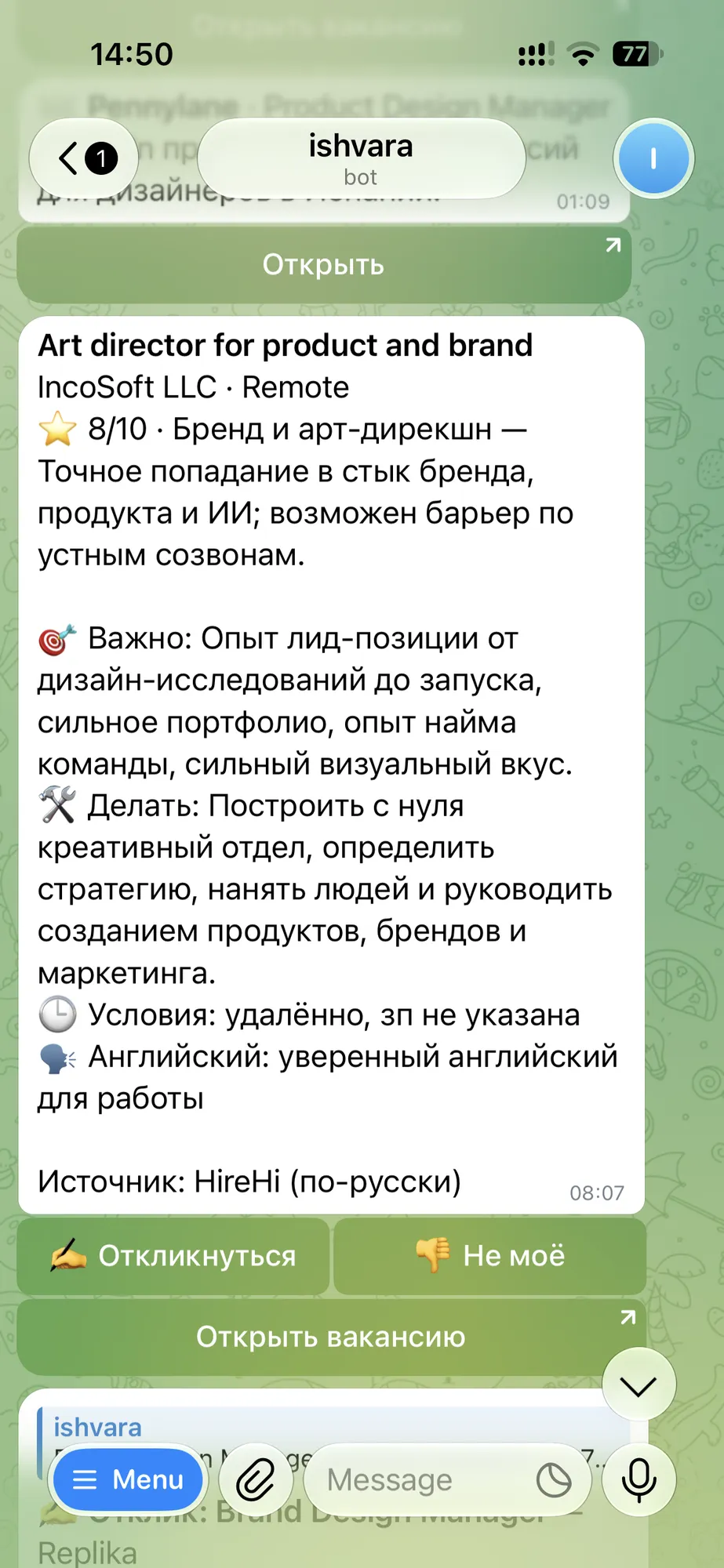
- BriefAnything above the threshold reaches Telegram with a short brief: what they actually want, what the work is, the terms, and how much spoken English the job needs. The threshold is a slider on the screen: dragging it shows how many of the last two weeks’ vacancies would have got through.
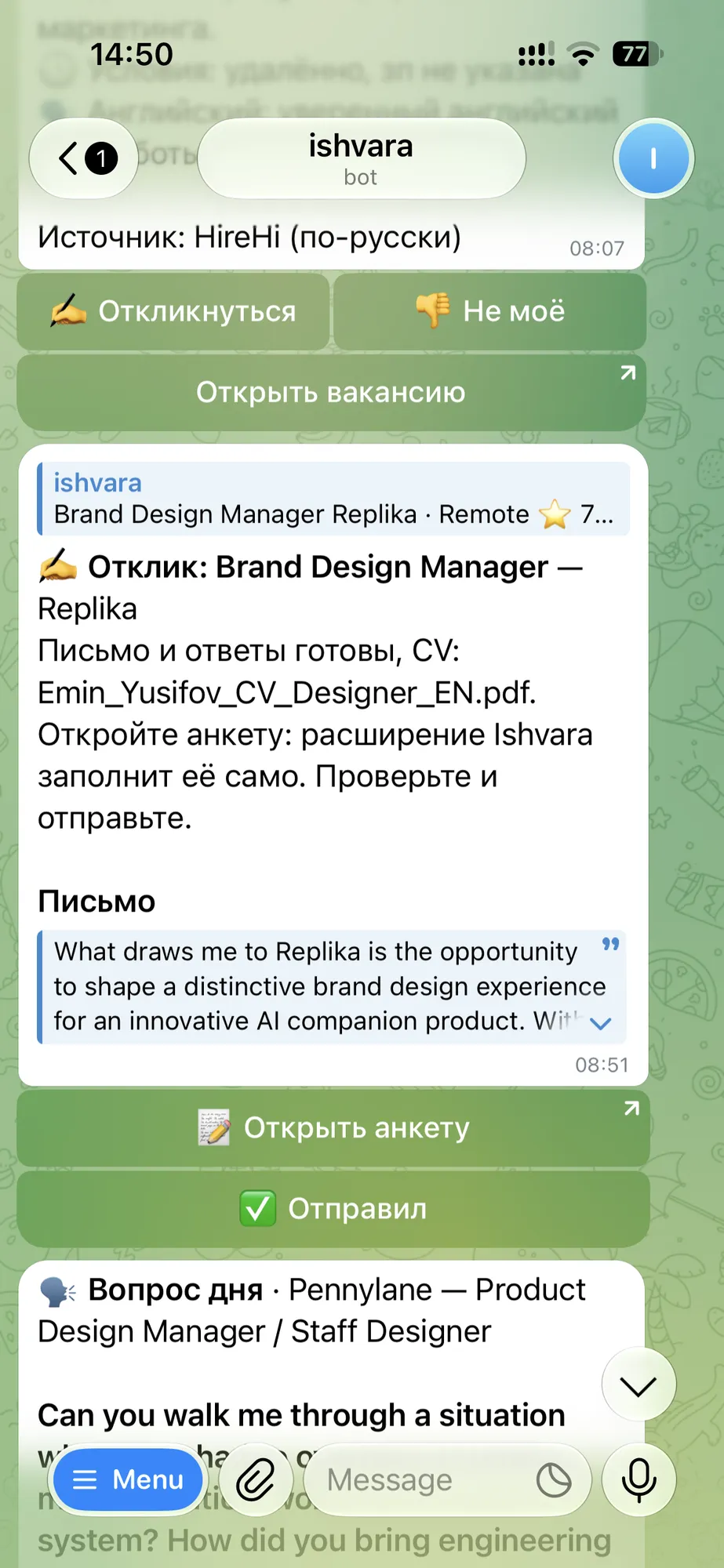
- ApplyOne tap drafts a cover letter in the vacancy’s language and answers the form’s questions from my CVs and notes. A question it cannot answer is asked once; my answer goes into every later form, however that form words it.
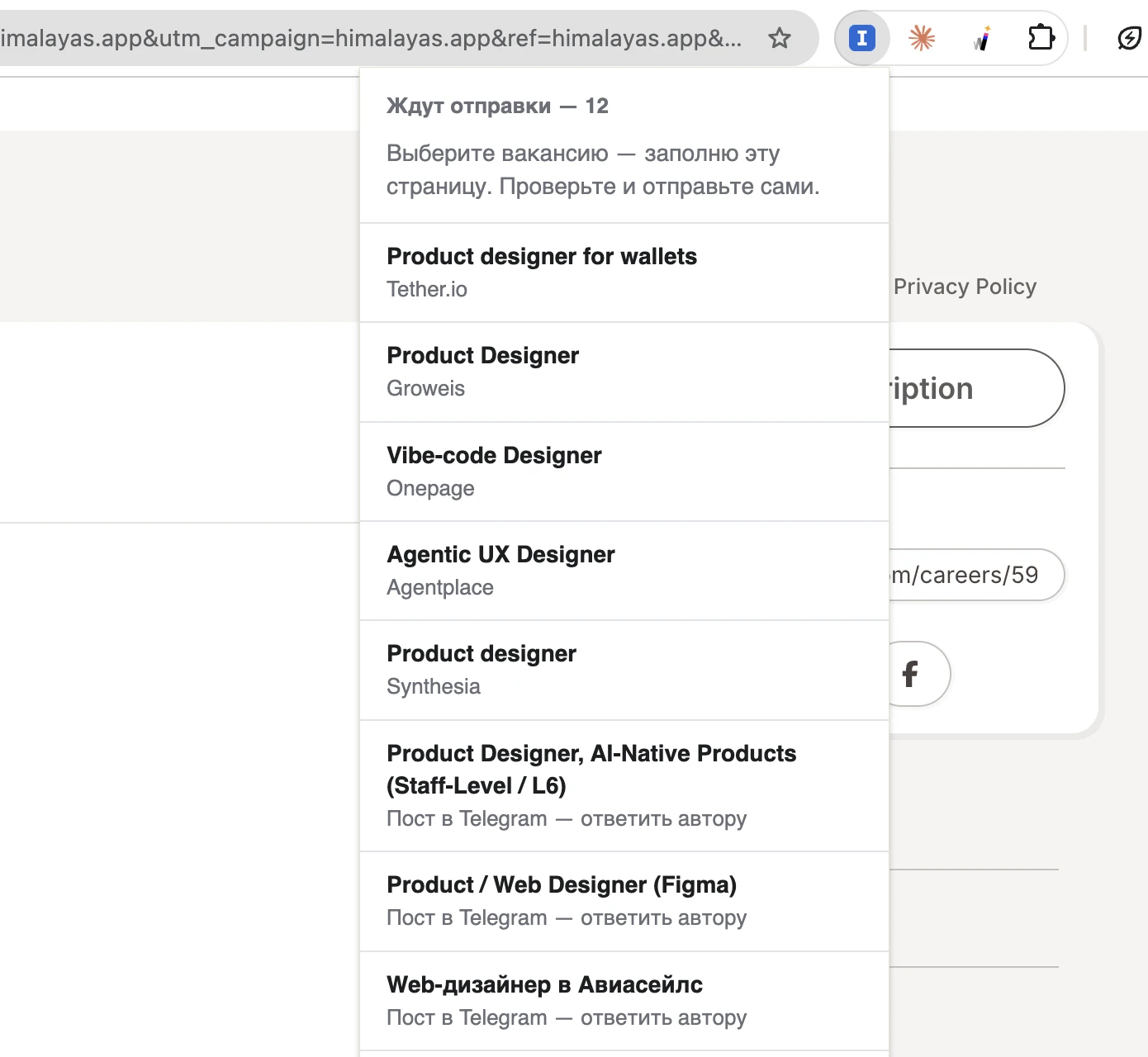
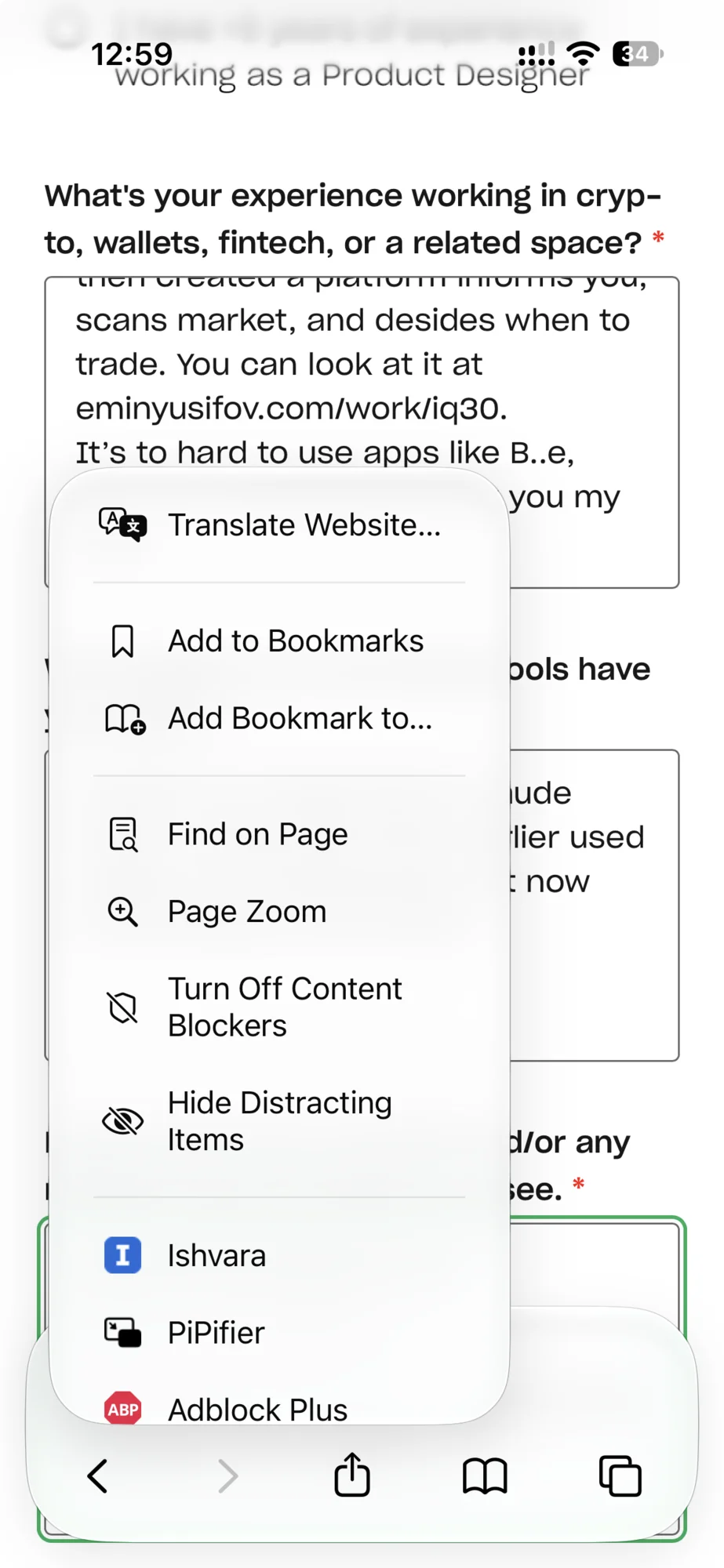
- FillA browser extension — Chrome, and Safari on the Mac and on the iPhone — recognises the form and fills it: name, links, letter, answers, the CV as a file. Green is filled, orange is left for me.
- SubmitI read it and press the button. The extension sees the “thank you” page and marks the application as sent.
- Follow upThe agent reads my inbox for replies from those companies: a rejection, a test task (it goes to a planner with a deadline and hours), or an interview (it goes to my calendar).
- RehearseBefore the call, interview questions for that exact role arrive in Telegram. I answer by voice; the model listens and corrects my English.
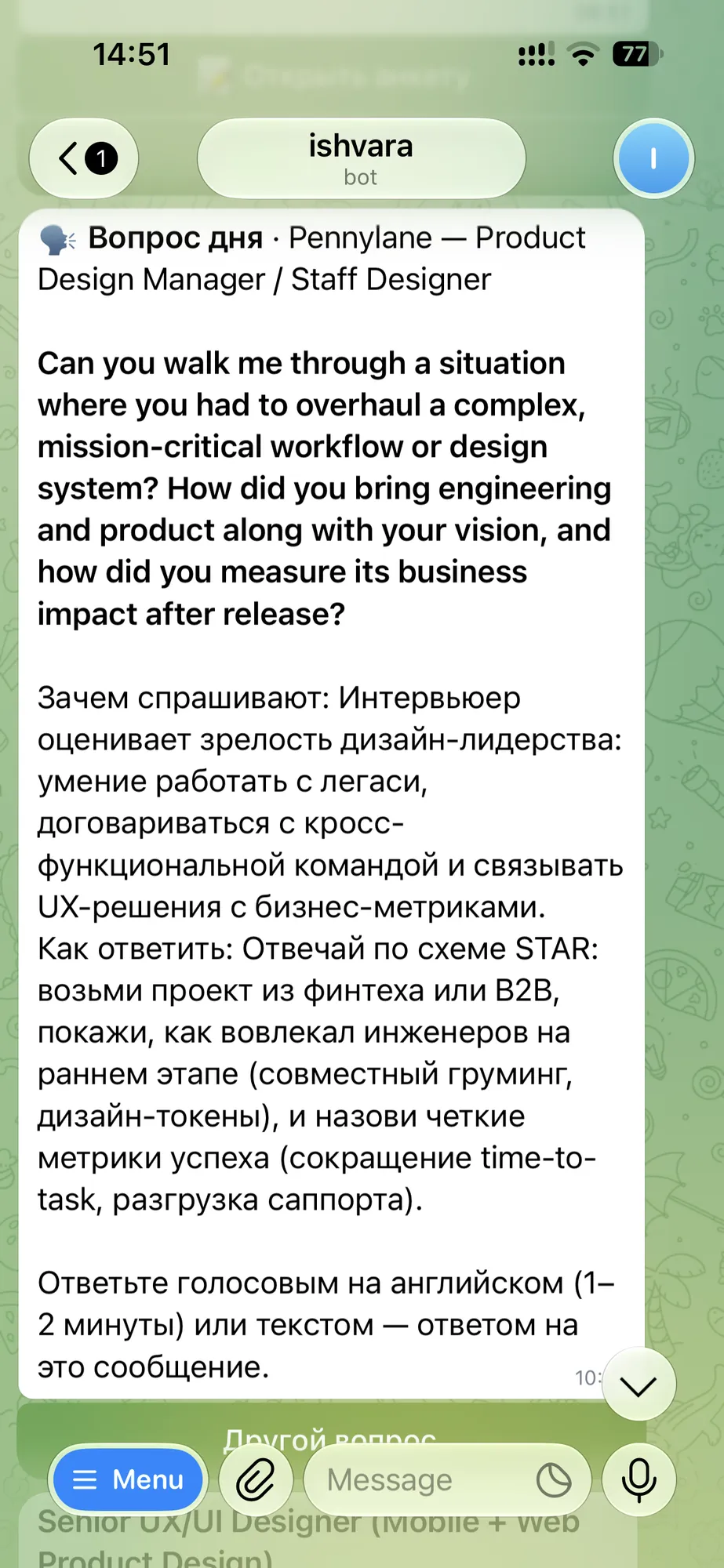
It lives in Telegram
A vacancy arrives with its score, the reason and a brief. “Apply” answers with what is ready: the letter, the form one tap away, and the questions only I can answer as buttons. Once a day a question from the interviews I am likely to get — answered by voice, corrected by the model.
What it will never do on its own
An agent that applies for jobs can embarrass you at scale. So the boundaries are in code, not in a prompt.
- It never submitsDrafting and filling are automatic. Sending is a person pressing a button.
- It never ticks a consent boxConsent, terms and “I confirm” questions are always left for me.
- It never promises for meRelocation, office days, travel, background checks — answered only from what I wrote myself. No answer means an empty field, not a guess sent to an employer.
- It never logs in as meNo LinkedIn scraping, no Telegram account, no stored passwords. Only public pages, open APIs and a read-only inbox.
Free tiers as a design constraint
The free Gemini tier allows about twenty requests a day per model. That shaped the product: vacancies are scored in batches, results are cached by link, a chain of models takes over when one is busy, and a second provider steps in when the quota runs out. Without AI at all, it still works on keywords.
It also adapts cheaply, without retraining anything: every “Not for me” tap and every sent application goes back into the scoring prompt as an example.
Designed, built and run by one person — product, interface, scrapers, prompts, bot, extension.
Need someone to own a product end to end — research, flow, design system, and the release after it? Write to me